Motion graphics designer
An 8-step motion graphics path: animation principles, After Effects, keyframes and the graph editor, kinetic type, 2D character animation, 3D with Cinema 4D or Blender, sound and timing, and delivery for ads, social media and UI. Suits people who already know graphic design.
Start here
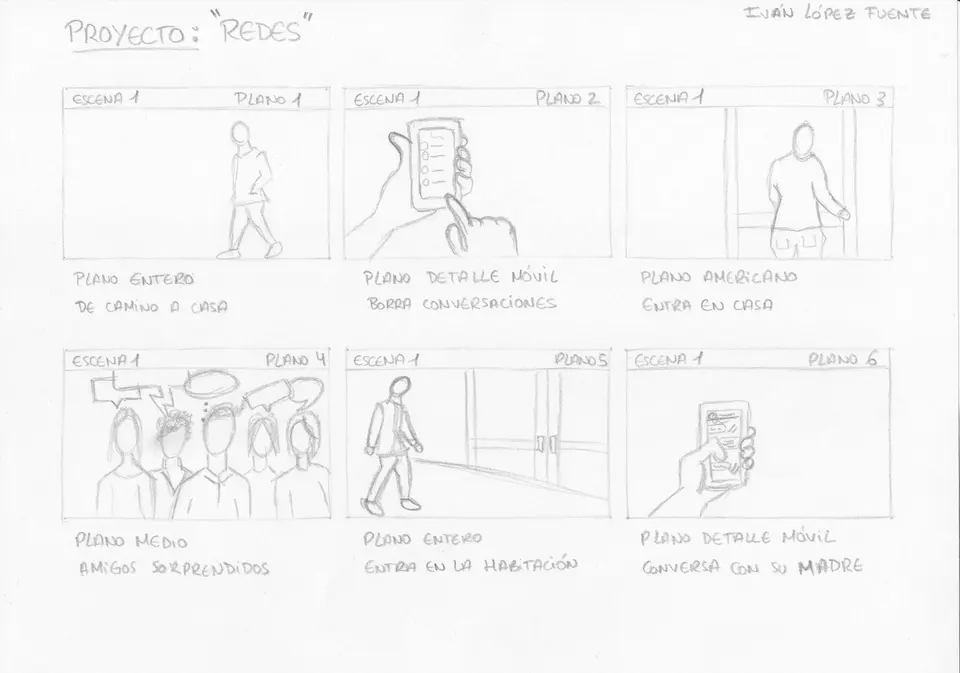
Step 1: 12 animation principles & storyboards
One short lesson per step, 10–15 minutes on a phone. No sign-up needed.
Hands-on roadmap
Roadmap
- Step 1Lesson
12 animation principles & storyboards
Timing, easing, squash and stretch, anticipation and follow-through; draw storyboards and styleframes first; why linear motion looks fake and stiff.
- Step 2Skill
After Effects basics: layers, keyframes, masks
Compositions, precomps, shape layers, masks, track mattes and parenting; importing Illustrator and Photoshop files properly; tidy projects to avoid missing files.
Requires: 12 animation principles & storyboards
No English content for this step yet.
- Step 3Skill
Graph editor, easing & motion timing
Edit speed and value curves, overshoot and offset motion; use helper plugins like Motion Tools; practise smooth 3-5 second logo reveals.
Requires: After Effects basics: layers, keyframes, masks
No English content for this step yet.
- Step 4Skill
Kinetic type & animated infographics
Kinetic typography with fonts that fully support Vietnamese, text animators and animated data charts; keep text on screen long enough to read on a phone.
Requires: Graph editor, easing & motion timing
No English content for this step yet.
- Step 5Skill
2D character animation & rigging
Rig simple characters with Duik or the puppet tool, walk cycles and expressions; character explainer videos for banks, apps and education.
Requires: Graph editor, easing & motion timing
No English content for this step yet.
- Step 6Skill
3D for motion: Cinema 4D or Blender
Simple modelling, materials, lighting, MoGraph or Geometry Nodes, rendering and compositing in After Effects; factor in render time when promising deadlines.
Requires: Kinetic type & animated infographics, 2D character animation & rigging
No English content for this step yet.
- Step 7Project
Project: a 60-second explainer video
From script to storyboard, styleframes, animation and licensed sound and music; export 16:9 and 9:16 versions; take mock client feedback through 2 revision rounds.
Requires: 3D for motion: Cinema 4D or Blender
No English content for this step yet.
- Step 8Assessment
Motion test, showreel & winning projects
A one-day test animating a given styleframe, scored on timing, easing and creativity; a 60-second showreel and per-second pricing to apply or freelance.
Requires: Project: a 60-second explainer video
No English content for this step yet.