Subnetting means borrowing bits from the host part of an IPv4 address range and using them as network bits: borrow n bits and you get 2^n subnets; with h host bits left, each subnet holds 2^h − 2 devices (the network address and the broadcast address are not usable). For example, splitting 192.168.10.0/24 into /26 gives 4 subnets with 62 usable addresses each for PCs, printers and cameras. This lesson is written the way a senior network admin coaches a junior: reading subnet masks, understanding CIDR, counting hosts, finding the network and broadcast address, then solving a complete subnetting exercise for a real office.
By the end of this lesson, you will be able to:
- Convert between a dotted mask such as 255.255.255.192 and CIDR notation /26, and point out the network and host parts.
- Work out the number of subnets 2^n and usable hosts 2^h − 2 for any mask from /24 to /30 without a calculator.
- Find the network address, host range and broadcast address of any IP, for example 192.168.10.77/27.
- Split a /24 for an office with several departments using VLSM, and build an IP plan with no overlaps whose address total adds up to 256.
- Check the configuration with ipconfig and ping, and recognise the most common subnetting mistakes.
Learning network administration properly? Subnetting is step 2 of the roadmap, right after electrical safety, server rooms and racks. See the 9-step network and systems administrator roadmap to learn in the right order, from the basics to CCNA.
What are an IPv4 address and a subnet mask?
Every device on an IPv4 network has a 32-bit address, written as four decimal numbers (octets) separated by dots, each from 0 to 255, for example 192.168.10.77. An address always has two parts: the network part (which network the device belongs to) and the host part (which device within that network).
The subnet mask marks the boundary
A subnet mask is also 32 bits long: the contiguous 1 bits on the left mark the network part, the 0 bits on the right mark the host part. The mask 255.255.255.0 in binary is 24 ones followed by 8 zeros, so the first three octets are the network part and the last octet is the host part. Two devices talk directly to each other (without a router) only when their network parts match.
Three special addresses in every subnet
- Network address: all host bits are 0, for example 192.168.10.0. It names the network in routing tables and is never assigned to a device.
- Broadcast address: all host bits are 1, for example 192.168.10.255. Packets sent here reach every device in the subnet; it is not assigned to a device either.
- Gateway: technically an ordinary host address, but it belongs to the router or firewall that leads to other networks. A common convention is the first host (.1) or the last host; what matters is that the whole office uses one convention.
Private ranges used in offices
Internal networks use the private ranges defined in RFC 1918, which are not routed on the Internet: 10.0.0.0/8, 172.16.0.0/12 (172.16.0.0 to 172.31.255.255) and 192.168.0.0/16. The router performs NAT so that devices with private IPs share the public address from the ISP. Most ISP modems in Vietnam hand out 192.168.1.0/24 by default, so when you design an office network, pick a different range to avoid clashes when staff connect by VPN from home.
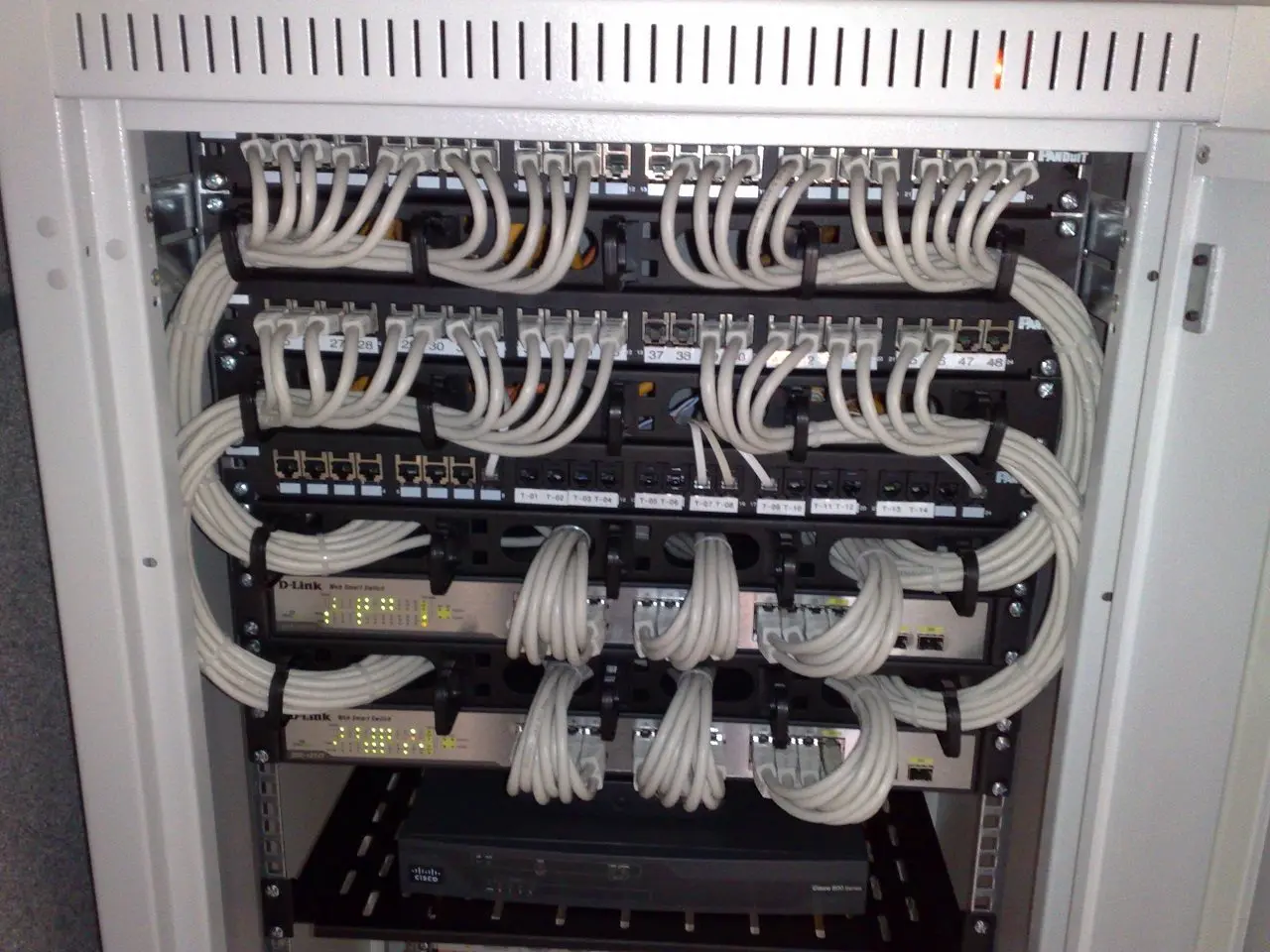
Photo: Dsimic / Wikimedia Commons, CC BY-SA 4.0

What is CIDR, and how do you read /24 and /26?
CIDR (Classless Inter-Domain Routing) writes the subnet mask compactly as a slash and the number of network bits. 192.168.10.0/24 means the first 24 bits are the network part, equivalent to the mask 255.255.255.0. 192.168.10.0/26 means 26 network bits, mask 255.255.255.192.
Converting CIDR to a dotted mask
Take the number after the slash and divide by 8. The whole number is how many octets are 255, and the remainder is how many 1 bits start the next octet. For /26: 26 = 3 × 8 + 2, so three octets of 255 and a fourth octet starting with two 1 bits: 11000000 = 128 + 64 = 192. The mask is 255.255.255.192. A mask octet can only be 0, 128, 192, 224, 240, 248, 252, 254 or 255; any other value (such as 255.255.255.200) is an invalid mask.
Why classes A, B and C are no longer used
Originally IPv4 was split into fixed classes: class A defaulted to /8, class B to /16 and class C to /24. That was wasteful: a company needing 300 addresses had to take a whole class B with 65,534 hosts. CIDR arrived in the 1990s and allows any network length, and every modern device works with CIDR.
Reading 8-bit binary quickly
Memorise the bit weights from left to right: 128, 64, 32, 16, 8, 4, 2, 1. For example 77 = 64 + 8 + 4 + 1, which is 01001101 in binary.
Formulas for the number of subnets and hosts
There are three numbers you must be able to work out on the spot: the number of subnets, the hosts per subnet and the block size. All of them come from counting bits.
Number of subnets = 2^n
n is the number of bits borrowed from the host part. Splitting 192.168.10.0/24 into /26 borrows 26 − 24 = 2 bits, giving 2^2 = 4 subnets. Splitting it into /27 borrows 3 bits, giving 2^3 = 8 subnets.
Usable hosts = 2^h − 2
h is the number of host bits left, which is 32 minus the number of network bits. For /26, h = 32 − 26 = 6, so there are 2^6 = 64 addresses in total and 62 usable hosts after removing the network and broadcast addresses. For /27, h = 5, 32 in total, 30 usable. You subtract 2 because those two addresses cannot be assigned to devices; forget it and your design will run short.
Block size = 256 − the last mask octet that is not 255
The block size tells you how far apart the subnets start. A /26 has 192 as its last octet, so the block size is 256 − 192 = 64 and subnets start at .0, .64, .128 and .192. A /27 has 224, so the block size is 32: .0, .32, .64, .96, .128, .160, .192, .224. For masks shorter than /24 (for example /22 = 255.255.252.0), the block size sits in the third octet: 256 − 252 = 4, so 10.0.4.0/22 runs from 10.0.4.0 to 10.0.7.255.
Two special cases: /31 and /32
A /32 is a single address, often used for a router loopback or a firewall rule for exactly one host. A /31 has only 2 addresses and, under RFC 3021, may be used on point-to-point links between two routers without a network or broadcast address. Not every device supports /31, so beginners should simply use /30 (2 hosts) for links, which always works.
Subnet mask table from /24 to /30, plus larger masks
Copy this table into your notebook or stick it next to your desk. The column "Subnets from one /24" shows how many networks you get when you split a /24 into that mask.
| CIDR | Subnet mask | Host bits (h) | Total addresses 2^h | Usable hosts 2^h − 2 | Subnets from one /24 | Block size |
|---|---|---|---|---|---|---|
| /24 | 255.255.255.0 | 8 | 256 | 254 | 1 | 256 |
| /25 | 255.255.255.128 | 7 | 128 | 126 | 2 | 128 |
| /26 | 255.255.255.192 | 6 | 64 | 62 | 4 | 64 |
| /27 | 255.255.255.224 | 5 | 32 | 30 | 8 | 32 |
| /28 | 255.255.255.240 | 4 | 16 | 14 | 16 | 16 |
| /29 | 255.255.255.248 | 3 | 8 | 6 | 32 | 8 |
| /30 | 255.255.255.252 | 2 | 4 | 2 | 64 | 4 |
Quick check: on every row, the number of subnets times the total addresses always equals 256 (for example 4 × 64 = 256, 16 × 16 = 256). If it does not, you copied something wrong.
Masks larger than a /24
- /23 = 255.255.254.0: 512 addresses, 510 hosts (for example 192.168.20.0 to 192.168.21.255).
- /22 = 255.255.252.0: 1,024 addresses, 1,022 hosts.
- /21 = 255.255.248.0: 2,048 addresses, 2,046 hosts.
- /20 = 255.255.240.0: 4,096 addresses, 4,094 hosts.
- /16 = 255.255.0.0: 65,536 addresses, 65,534 hosts.
How to subnet step by step, with examples
The procedure below works for every subnetting problem, from exam questions to real designs.
- Decide what is required: how many subnets, or how many hosts the largest subnet needs (remember to add the gateway and room to grow).
- Find the bits: for a number of subnets, choose the smallest n with 2^n ≥ subnets; for a number of hosts, choose the smallest h with 2^h − 2 ≥ hosts.
- Write the new mask in CIDR and dotted form.
- Work out the block size and list the starting address of each subnet.
- For each subnet: first host = network address + 1, broadcast = next network address − 1, last host = broadcast − 1.
- Check: no subnets overlap and the total does not exceed the original range.
Example 1: split 192.168.10.0/24 into 4 equal subnets
We need 4 subnets, and 2^2 = 4, so borrow 2 bits: mask /26 = 255.255.255.192, block size 64, 62 hosts per subnet.
| Subnet | Network address | First host – last host | Broadcast |
|---|---|---|---|
| 1 | 192.168.10.0/26 | 192.168.10.1 – 192.168.10.62 | 192.168.10.63 |
| 2 | 192.168.10.64/26 | 192.168.10.65 – 192.168.10.126 | 192.168.10.127 |
| 3 | 192.168.10.128/26 | 192.168.10.129 – 192.168.10.190 | 192.168.10.191 |
| 4 | 192.168.10.192/26 | 192.168.10.193 – 192.168.10.254 | 192.168.10.255 |
Check: 4 subnets × 64 addresses = 256, and the last subnet ends exactly at .255. Total usable hosts: 4 × 62 = 248.
Example 2: find the network of 192.168.10.77/27
A /27 has 224 as its last octet, so the block size is 32. Subnets start at 0, 32, 64, 96 and so on. 77 lies between 64 and 96, so the network address is 192.168.10.64, the broadcast is 96 − 1 = 192.168.10.95, and the host range is 192.168.10.65 to 192.168.10.94 (30 hosts). A binary AND gives the same result:
IP     77  = 0100 1101
Mask  224  = 1110 0000
AND        = 0100 0000 = 64  -> network 192.168.10.64
Host bits all 1: 0101 1111 = 95  -> broadcast 192.168.10.95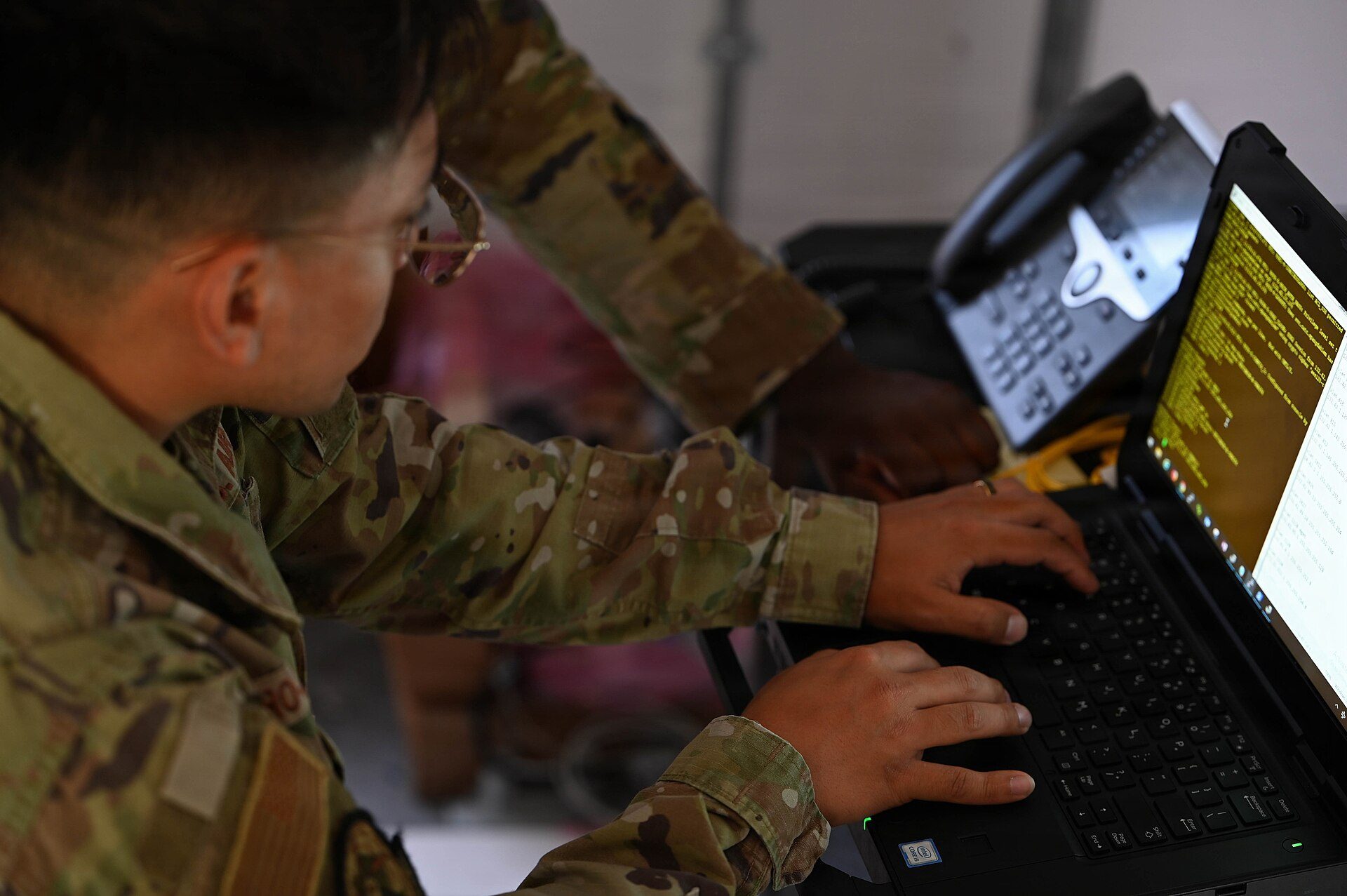
Photo: U.S. Air Force photo by Airman 1st Class Kacie Ramos / Wikimedia Commons, Public domain

Office subnetting exercise with a full solution (VLSM)
The brief: a single-floor company has been given 192.168.20.0/24 for its internal network. It needs the following networks, each on its own VLAN, with the gateways on the firewall:
- Staff: 100 PCs and laptops.
- Guest Wi-Fi: up to 50 devices at once.
- Accounting: 25 PCs, kept separate because the data is sensitive.
- IP cameras: 12 cameras.
- Servers: 5 devices (file server, NAS, time clock, network printer, management PC).
- Link between the ISP router and the firewall: 2 addresses.
Step 1: why equal subnets do not work
Equal /26 subnets give 4 networks of 62 hosts, but we need 6 networks and the staff network needs more than 62 hosts. Equal /25 subnets give only 2 networks. So we use VLSM (Variable Length Subnet Mask): each network gets a mask sized to its own needs.
Step 2: add the gateway and choose the masks
Every network with devices needs one address for the gateway, so add 1. Sort from largest to smallest and choose the smallest h with 2^h − 2 ≥ the requirement:
- Staff: 100 + 1 = 101. 2^6 − 2 = 62 is too few, 2^7 − 2 = 126 is enough, h = 7, mask /25.
- Guest Wi-Fi: 50 + 1 = 51. 2^6 − 2 = 62 is enough, h = 6, mask /26.
- Accounting: 25 + 1 = 26. 2^5 − 2 = 30 is enough, h = 5, mask /27.
- Cameras: 12 + 1 = 13. 2^4 − 2 = 14 is enough, h = 4, mask /28.
- Servers: 5 + 1 = 6. 2^3 − 2 = 6 is just enough, h = 3, mask /29.
- Link: 2 addresses (ISP router and firewall). 2^2 − 2 = 2, mask /30.
Step 3: allocate the largest first and build the address table
Always allocate the largest network first, starting at .0. Each following network starts right after the previous broadcast; because the networks are sorted from largest to smallest, every start address is a multiple of that network's block size, so nothing lands off a boundary.
| Network | Need (incl. gateway) | CIDR / mask | Network address | Host range | Broadcast | Gateway |
|---|---|---|---|---|---|---|
| Staff | 101 | /25 = 255.255.255.128 | 192.168.20.0 | .1 – .126 (126 hosts) | 192.168.20.127 | 192.168.20.1 |
| Guest Wi-Fi | 51 | /26 = 255.255.255.192 | 192.168.20.128 | .129 – .190 (62 hosts) | 192.168.20.191 | 192.168.20.129 |
| Accounting | 26 | /27 = 255.255.255.224 | 192.168.20.192 | .193 – .222 (30 hosts) | 192.168.20.223 | 192.168.20.193 |
| Cameras | 13 | /28 = 255.255.255.240 | 192.168.20.224 | .225 – .238 (14 hosts) | 192.168.20.239 | 192.168.20.225 |
| Servers | 6 | /29 = 255.255.255.248 | 192.168.20.240 | .241 – .246 (6 hosts) | 192.168.20.247 | 192.168.20.241 |
| Router to firewall link | 2 | /30 = 255.255.255.252 | 192.168.20.248 | .249 – .250 (2 hosts) | 192.168.20.251 | Not needed |
| Spare | – | /30 | 192.168.20.252 | .253 – .254 | 192.168.20.255 | – |
Step 4: check the numbers
- Addresses allocated: 128 + 64 + 32 + 16 + 8 + 4 = 252. Add the spare /30 of 4 addresses: 252 + 4 = 256, exactly one /24.
- Total need: 101 + 51 + 26 + 13 + 6 + 2 = 199 addresses. Total usable hosts: 126 + 62 + 30 + 14 + 6 + 2 = 240. Headroom: 240 − 199 = 41 addresses.
- Headroom per network: staff 126 − 101 = 25; guest Wi-Fi 62 − 51 = 11; accounting 30 − 26 = 4; cameras 14 − 13 = 1; servers 6 − 6 = 0.
- No overlaps: each network starts right after the previous broadcast (127 → 128, 191 → 192, 223 → 224, 239 → 240, 247 → 248, 251 → 252).
A real designer's comment
The solution is mathematically correct, but the server and camera networks are almost full. In real life, if the company plans to buy more cameras or servers, use a bigger range (for example one /24 per VLAN inside 10.10.0.0/16) instead of squeezing everything into one /24. Exams reward saving addresses; real designs favour plans that are easy to remember and easy to grow. Write down your reasoning in the handover document.
Configuring and checking subnets on real devices
Once the plan is done on paper, enter it into the firewall's DHCP or set static IPs, then check with a few basic commands (Figure 3 shows the kind of cable and port you will plug in while testing).
See the IP and mask in use
- Windows: open Command Prompt and type
ipconfig(oripconfig /allto include DHCP and DNS). Read the IPv4 Address, Subnet Mask and Default Gateway lines. - Linux:
ip addrshows the address with CIDR, for example 192.168.20.195/27;ip routeshows the default gateway.
Test connectivity in order
pingthe gateway of your own subnet (for example an accounting PC pings 192.168.20.193). If that fails, the fault is inside the subnet: cable, switch port, VLAN, IP or mask.pinga device in another subnet (for example the file server at 192.168.20.242). If step 1 works but this fails, look at routing or the firewall rules between the two VLANs.pingan Internet address by IP, then by domain name. If the IP works but the name does not, it is a DNS problem, not a subnet problem.- Use
tracert(Windows) ortraceroute(Linux) to see at which hop the packets stop.
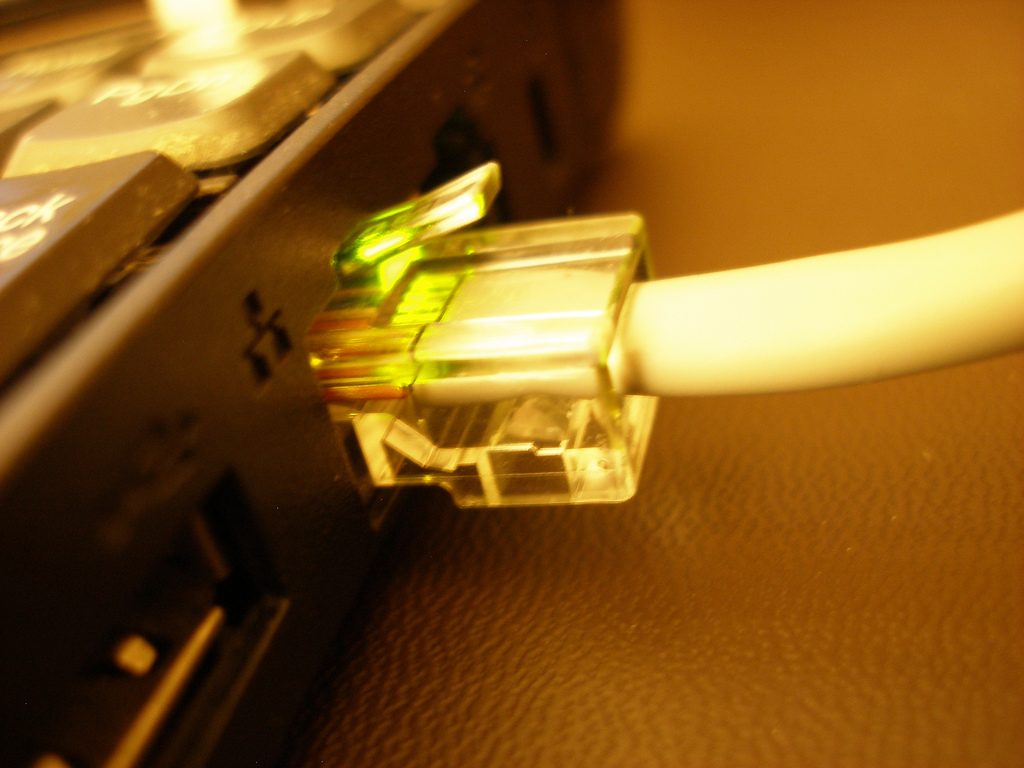
Photo: Khairil Yusof from Malaysia / Wikimedia Commons, CC BY 2.0

Keep an IP register
Save an IP plan like the one in the exercise in a file the whole team can reach, with the VLAN, purpose, gateway, DHCP range and static range. It becomes a required part of the handover document in the project step.
Common subnetting mistakes and how to fix them
Assigning the network or broadcast address to a device
Symptom: one device cannot reach the network or behaves oddly although the cable and port are fine. Cause: a static IP of 192.168.20.64 in a /26 that starts at .64 (the network address) or .127 (the broadcast). Fix: recalculate the block size and only use addresses from the first host to the last host.
Mismatched masks within one subnet
Symptom: PC A can ping PC B but B cannot ping A back, or only some PCs can reach the printer. Cause: PC A uses /24 and PC B uses /26, so they disagree about where the network ends. Fix: use the masks from the IP plan everywhere, preferably handed out by DHCP rather than typed by hand.
Overlapping subnets
Symptom: routing works on and off, or the firewall complains about duplicate networks. Cause: 192.168.20.96/27 was given to accounting while .64/26 (from .64 to .127) was already given to Wi-Fi. Fix: always allocate the largest networks first, start each one after the previous broadcast, and check the totals as in step 4 of the exercise.
Forgetting to subtract 2 or to reserve the gateway
Symptom: DHCP runs out of addresses while the device count is lower than planned. Cause: assuming a /27 holds 32 devices (really 30), then losing one more to the gateway, leaving 29. Fix: always use 2^h − 2, add the gateway, and add room to grow.
Clashing with home or branch networks
Symptom: remote staff connect to the VPN but cannot reach the file server. Cause: their home network is also 192.168.1.0/24, the same as the office. Fix: choose a less common range for the office, for example 10.20.x.0/24, and plan IP ranges for every branch before building site-to-site VPNs.
Warning when changing IPs on live devices: Changing the IP, mask or gateway of a switch, router or firewall over the network can cut you off from that device and take the whole office offline. Plan the change, back up the configuration, work out of hours, keep a console cable or a colleague at the rack, and only touch devices you are responsible for. When you open a rack, plug or unplug cables or swap equipment, follow the electrical and anti-static safety rules from step 1 of the roadmap.
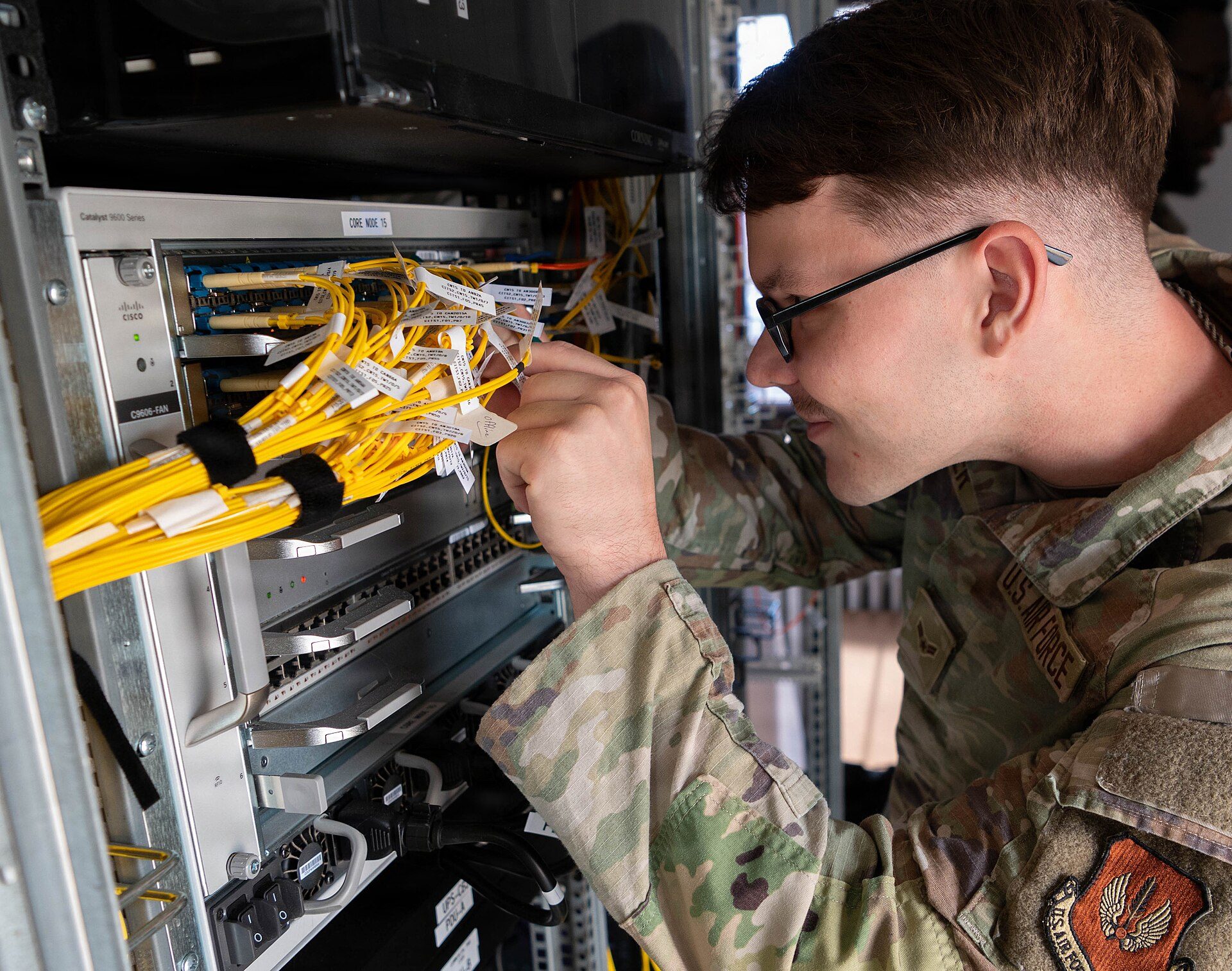
Photo: U.S. Air Force photo by Airman 1st Class Kacie Ramos / Wikimedia Commons, Public domain

Frequently asked questions
What is CIDR, and how is it different from a subnet mask?
It is the same information written two ways. CIDR /26 is shorthand for the subnet mask 255.255.255.192: the first 26 bits are the network part. Linux and modern firewalls usually use CIDR, while Windows usually shows the dotted mask.
What is the difference between a /24 and a /26 subnet mask?
A /24 (255.255.255.0) has 256 addresses and 254 hosts in one network. A /26 (255.255.255.192) has 64 addresses and 62 hosts; one /24 splits into four /26 networks. A /26 is smaller and suits a department of a few dozen devices.
How do I calculate the number of hosts in a subnet?
Subtract the number after the slash from 32 to get the host bits h, then calculate 2^h − 2. For a /28: h = 4, 2^4 − 2 = 14 hosts. Remember to take away the gateway address when counting how many devices you can actually connect.
Why subtract 2 when counting hosts?
The first address (all host bits 0) is the network address and the last (all host bits 1) is the broadcast address; neither can be assigned to a device. The exceptions are /31 for point-to-point links and /32 for a single address.
Does IPv6 need subnetting too?
Yes, but the thinking is different: an IPv6 LAN almost always uses /64, and there is no need to save host addresses. Subnetting mostly means dividing the range your ISP gives you (for example a /56 or /48) into many /64 networks. The binary and CIDR basics in this lesson still apply.
Subnetting practice and self-assessment
- Task 1: split 192.168.50.0/24 into 8 equal subnets. Write the mask, block size, network address and broadcast of all 8. Answer to check against: mask /27, 30 hosts each, the fifth subnet is 192.168.50.128/27 with broadcast 192.168.50.159.
- Task 2: find the network address, broadcast and host range of 172.16.5.200/28. Answer: network 172.16.5.192, broadcast 172.16.5.207, hosts .193 to .206.
- Task 3: a shop needs a network for 60 sales PCs, 20 cameras, 8 management devices and 1 router link. Split 10.1.1.0/24 with VLSM and build a table like the office exercise above, including a totals check.
Self-assessment criteria
- Pass: you convert every mask from /24 to /30 to dotted form and back in under 10 seconds each.
- Pass: tasks 1 and 2 match the answers, and you can explain why using the block size.
- Pass: your VLSM table for task 3 has no overlaps, every network has a gateway, and the total allocated does not exceed 256.
- Not yet: forgetting to subtract 2, assigning a network or broadcast address to a device, or allocating small networks first so that boundaries go wrong.
Once subnetting feels easy, move on to the next roadmap step: Cable termination, cabling and link testing, where you learn the T568A/B standards, patch panels, Cat6 cable and cable testing, so that the IP plan on paper runs on real wires.
Keep learning network administration: after subnetting come cabling, switch, router and VLAN configuration, enterprise Wi-Fi, Windows Server, Linux and a project designing a 50-person office network. See the 9-step network and systems administrator roadmap.