UI/UX designer
An 8-step UI/UX path: user-centred thinking, user research, information architecture and wireframes, Figma auto layout and components, design systems, prototyping and usability testing, and developer handoff. Afterwards you can design for software companies, startups or agencies.
Start here
Step 1: What UX is & the Design Thinking process
One short lesson per step, 10–15 minutes on a phone. No sign-up needed.
Hands-on roadmap
Roadmap
- Step 1Lesson
What UX is & the Design Thinking process
UI versus UX, the 5 Design Thinking stages and Nielsen's usability heuristics; why beautiful but hard-to-use interfaces fail, with banking and food delivery app examples.
- Step 2Skill
User research & personas
Interview 5-8 users, run Google Forms surveys and analyse competitors; build personas and user journeys; avoid leading questions and assuming on users' behalf.
Requires: What UX is & the Design Thinking process
No English content for this step yet.
- Step 3Skill
Information architecture, user flows & wireframes
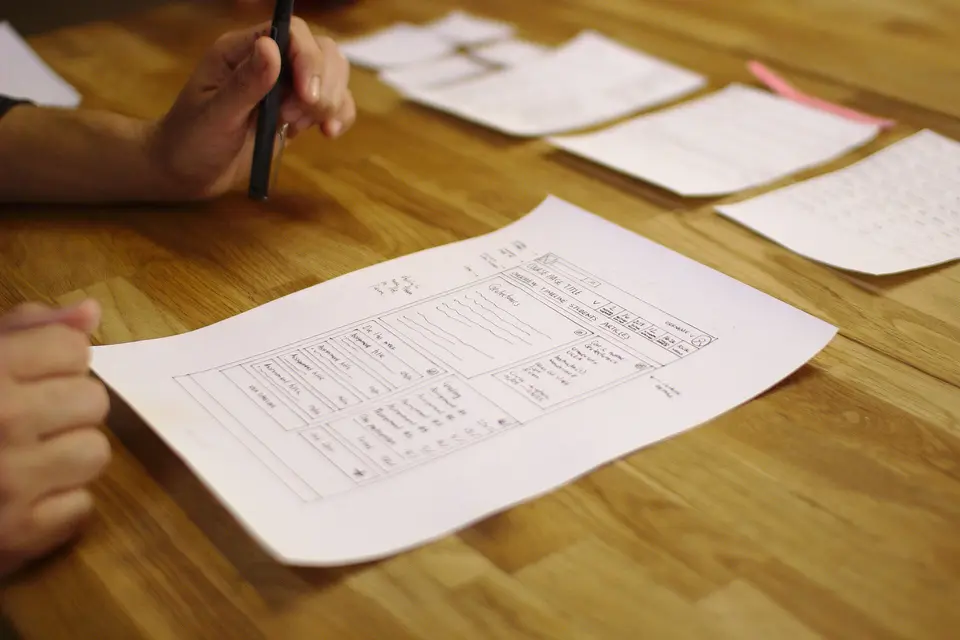
Organise menus with card sorting, draw user flows and paper wireframes, then low-fidelity in Figma/FigJam; check for missing error, empty and loading states.
Requires: User research & personas
No English content for this step yet.
- Step 4Skill
Figma: auto layout, components, variants
Frames, grids, auto layout, components, variants and variables, responsive design for mobile and web; tidy layer naming so teammates and developers can work easily.
Requires: Information architecture, user flows & wireframes
No English content for this step yet.
- Step 5Skill
Visual UI, design systems & accessibility
Token-based colour, type and spacing; a small design system; WCAG contrast and large enough text and touch targets for older users; Vietnamese text runs longer than English.
Requires: Figma: auto layout, components, variants
No English content for this step yet.
- Step 6Skill
Prototyping, usability testing & dev handoff
Build interactive prototypes, test with 5 users and log issues by severity; hand off via Dev Mode with behaviour notes and work with developers during build.
Requires: Visual UI, design systems & accessibility
No English content for this step yet.
- Step 7Project
Project: redesign a real app or website
Pick a hard-to-use Vietnamese app or site: research, propose new flows, design 10-15 screens, test them and write a case study covering problem, process and results.
Requires: Prototyping, usability testing & dev handoff
No English content for this step yet.
- Step 8Assessment
Portfolio review & design interviews
Present a case study for 15 minutes to reviewers and complete a 3-hour design challenge; finish a portfolio on Behance or a personal site to apply and win projects.
Requires: Project: redesign a real app or website
No English content for this step yet.