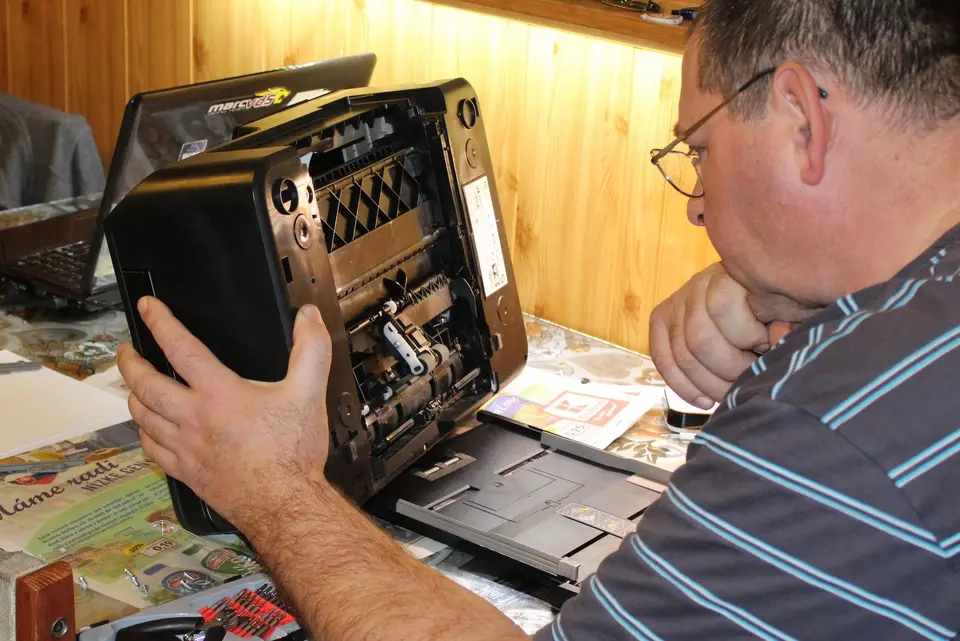
IT support technician (helpdesk)
An 8-step IT helpdesk roadmap: electrical and anti-static safety, PC hardware, assembly and part replacement, installing Windows and office software, basic networking, Wi-Fi and printers, email accounts and Microsoft 365, user security, ticketing and communication. Afterwards you can do IT helpdesk in offices, schools or hospitals or run a PC repair service. Suits patient people who like helping others.
Start here
Step 1: Electrical safety, anti-static & tools
One short lesson per step, 10–15 minutes on a phone. No sign-up needed.
Hands-on roadmap
Roadmap
- Step 1Lesson
Electrical safety, anti-static & tools
Unplug before opening a PC, anti-static wrist straps, care with swollen laptop batteries; screwdriver kit, thermal paste, rescue USB; notes and photos before disassembly.
No English content for this step yet.
- Step 2Skill
Hardware: assembly, diagnosis & part replacement
CPU, RAM, SSD, PSU, motherboard; building PCs, upgrading laptop RAM and SSD; diagnosing no-power, blue screens and overheating; checking drives with CrystalDiskInfo.
Requires: Electrical safety, anti-static & tools
No English content for this step yet.
- Step 3Skill
Installing Windows, drivers & office software
Licensed Windows install USBs, partitioning, drivers; Microsoft Office, the Unikey Vietnamese keyboard, accounting software, digital signatures; backing up user data first; avoiding cracked software.
Requires: Hardware: assembly, diagnosis & part replacement
No English content for this step yet.
- Step 4Skill
Basic networking, Wi-Fi & printers
IP, DNS, DHCP; fixing no-internet and weak Wi-Fi; configuring ISP modems and access points; installing and sharing network printers and scanners; office folder sharing.
Requires: Installing Windows, drivers & office software
- Step 5Skill
Accounts, email & Microsoft 365 or Google Workspace
Creating and disabling staff accounts, password resets, setting up Outlook, OneDrive and Teams; basic Google Workspace; remote support via UltraViewer, AnyDesk, Quick Assist.
Requires: Basic networking, Wi-Fi & printers
No English content for this step yet.
- Step 6Skill
User security & backups
Antivirus, Windows updates, two-factor auth, spotting phishing emails and messages; backing up to NAS or cloud; handling ransomware-infected PCs: isolate and report immediately.
Requires: Accounts, email & Microsoft 365 or Google Workspace
No English content for this step yet.
- Step 7Project
Project: handle 30 simulated tickets
Use a free ticketing system (GLPI or osTicket) to resolve 30 real or simulated requests; record causes and fixes, write 10 self-help guides for users; maintain an IT asset list.
Requires: User security & backups
No English content for this step yet.
- Step 8Assessment
Scenario test & helpdesk applications
Practical: reinstall Windows keeping data, fix network and printer faults under time limits; role-play a difficult user; optional CompTIA A+ prep; a CV and IT helpdesk applications.
Requires: Project: handle 30 simulated tickets
No English content for this step yet.