CCTV & security camera installer
An 8-step path to installing security cameras: height and electrical safety, choosing Wi-Fi, IP and analog cameras, running network and PoE cabling, configuring NVRs, remote viewing via apps, account security, site surveys and quoting. Suits hands-on people who like moving between sites.
Start here
Step 5: Configuring NVRs & remote viewing
Articles for the earlier steps are still being written; start with this one.
Hands-on roadmap
Roadmap
- Step 1Lesson
Ladder, height & camera power safety
Secure ladders, use a harness on roofs and poles; isolate power when wiring 220V, use certified adapters; never share conduit with mains power cables.
No English content for this step yet. Meanwhile, read step 5: Configuring NVRs & remote viewing
- Step 2Lesson
Camera types, lenses & resolution
Wi-Fi, PoE IP and HD analog cameras; 2.8–6 mm lenses and field of view, IR versus colour night vision, IP66–67 ratings; match megapixels and disk size to retention needs.
Requires: Ladder, height & camera power safety
No English content for this step yet. Meanwhile, read step 5: Configuring NVRs & remote viewing
- Step 3Skill
Terminating cable, routing & PoE power
Crimp RJ45 to T568B and verify with a cable tester; run cable in conduit and trunking; size the PoE switch budget and the 100 m limit; weatherproof outdoor joints.
Requires: Camera types, lenses & resolution
No English content for this step yet. Meanwhile, read step 5: Configuring NVRs & remote viewing
- Step 4Skill
Mounting cameras & aiming views
Drill and fix mounts, aim away from backlight, cover blind spots at gates, tills and parking; never point at neighbours' homes or other people's private spaces.
Requires: Terminating cable, routing & PoE power
No English content for this step yet. Meanwhile, read step 5: Configuring NVRs & remote viewing
- Step 5Skill
Configuring NVRs & remote viewing
Activate devices, assign IPs, set recording schedules and motion or human detection; format drives; link Hik-Connect, DMSS or Imou Life and share access with the owner.
Requires: Mounting cameras & aiming views
- Step 6Skill
Securing the system & troubleshooting
Change default passwords, update firmware, close unused ports; fix lost video, lost connection, failed drives and flicker from weak power or overlong cable runs.
Requires: Configuring NVRs & remote viewing
No English content for this step yet. Meanwhile, read step 5: Configuring NVRs & remote viewing
- Step 7Project
Install an 8-camera system for a shop
Survey, sketch camera positions, estimate materials; install eight IP cameras with NVR and PoE switch, set up the owner's app, hand over a signed record with sealed passwords.
Requires: Securing the system & troubleshooting
No English content for this step yet. Meanwhile, read step 5: Configuring NVRs & remote viewing
- Step 8Assessment
Assessment, package pricing & winning jobs
Equipment selection quiz, hands-on cable and NVR setup; build 2, 4 and 8 camera package quotes, warranty and maintenance terms, and how to become a sub-dealer.
Requires: Install an 8-camera system for a shop
No English content for this step yet. Meanwhile, read step 5: Configuring NVRs & remote viewing
Articles
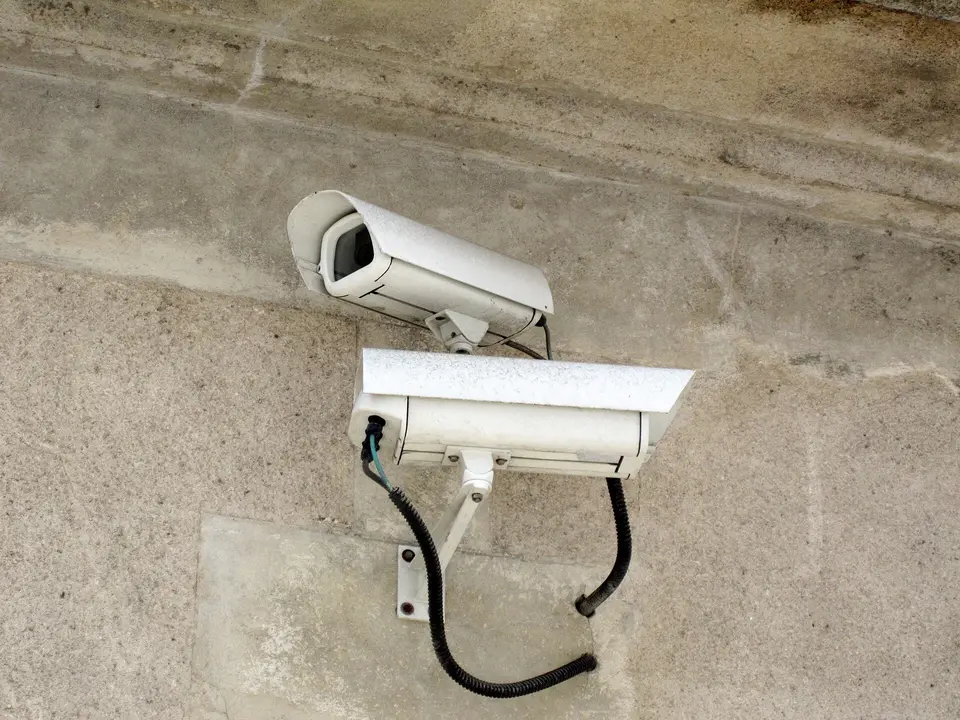 ArticleCCTV hard drive size calculator: how many days of recording?Working out CCTV hard drive capacity takes one formula: storage per day (GB) = total bitrate of all cameras (Mbps) × 10.8, and days of retention = usable drive capacity (GB) ÷ stor…
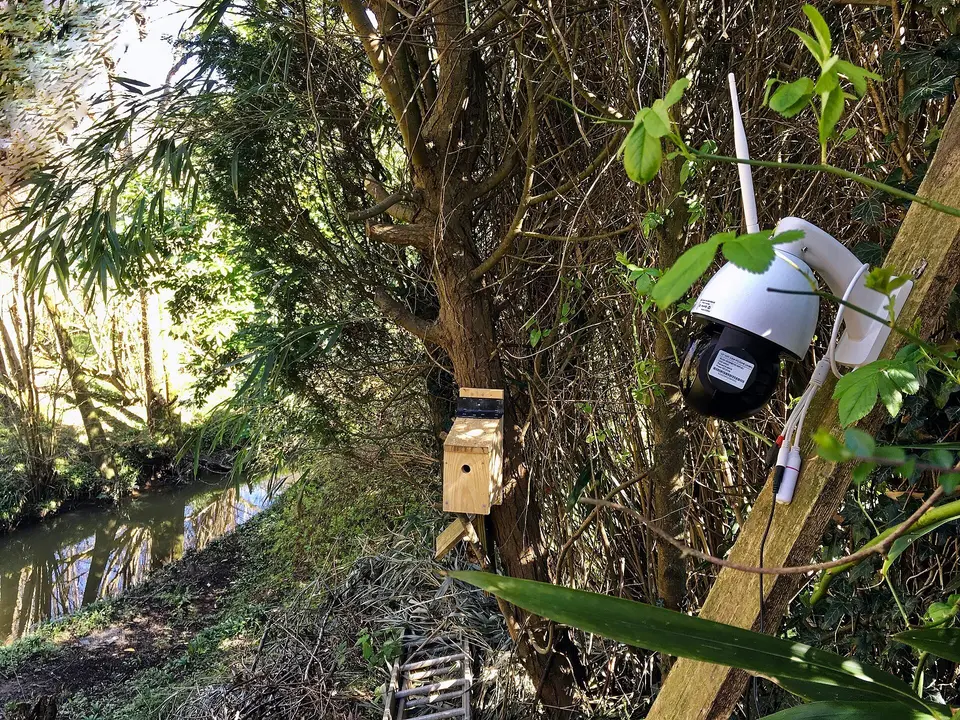 ArticleHow to view your CCTV cameras on your phone: apps, sharing, securityThe safest and most reliable way to view your security cameras on your phone today is the camera or recorder maker's own app, connected through the maker's P2P cloud service: you a…