Computer & laptop repair technician
An 8-step path to repairing computers and laptops: PC hardware, installing Windows and drivers, SSD and RAM upgrades, cleaning and repasting, replacing laptop screens, keyboards and hinges, data recovery, then basic laptop motherboard diagnosis. Suits careful, tech-minded people.
Start here
Step 4: Upgrading, cleaning & repasting laptops
Articles for the earlier steps are still being written; start with this one.
Hands-on roadmap
Roadmap
- Step 1Lesson
PC hardware, ESD safety & tools
CPU, motherboard, RAM, NVMe and SATA SSDs, PSU, graphics card; ESD precautions, disconnect laptop batteries before work; screwdrivers, spudgers, multimeter, hot-air station.
No English content for this step yet. Meanwhile, read step 4: Upgrading, cleaning & repasting laptops
- Step 2Skill
Building PCs & fixing no-display faults
Assemble, cable-manage, set BIOS and XMP; diagnose no power and no display by elimination, read debug LEDs and motherboard beep codes.
Requires: PC hardware, ESD safety & tools
No English content for this step yet. Meanwhile, read step 4: Upgrading, cleaning & repasting laptops
- Step 3Skill
Installing Windows, drivers & fixing software
Make install USBs with Rufus, install licensed Windows, drivers and Office; remove malware, speed up startup; explain to customers why cracked software is risky.
Requires: Building PCs & fixing no-display faults
No English content for this step yet. Meanwhile, read step 4: Upgrading, cleaning & repasting laptops
- Step 4Skill
Upgrading, cleaning & repasting laptops
Check RAM and SSD slots before quoting, clone old drives to SSD; clean fans, replace thermal paste and pads; log temperatures in HWMonitor before and after.
Requires: Installing Windows, drivers & fixing software
- Step 5Skill
Replacing laptop screens, keyboards, hinges & batteries
Match panel codes (30 or 40 pin, refresh rate), replace riveted keyboards, repair stripped hinge mounts, choose the right battery part; test and record part warranties.
Requires: Upgrading, cleaning & repasting laptops
No English content for this step yet. Meanwhile, read step 4: Upgrading, cleaning & repasting laptops
- Step 6Skill
Data recovery & basic laptop board diagnosis
Recover deleted files and logically failed drives with dedicated tools; measure 3V, 5V and 19V rails, find shorted capacitors with a DC supply, replace charging ICs and DC jacks.
Requires: Replacing laptop screens, keyboards, hinges & batteries
No English content for this step yet. Meanwhile, read step 4: Upgrading, cleaning & repasting laptops
- Step 7Project
Refurbish five laptops & service an office
Upgrade, clean and reinstall five used laptops for customers or resale, and do routine maintenance on 10 machines for a small office; document specs, condition and price.
Requires: Data recovery & basic laptop board diagnosis
No English content for this step yet. Meanwhile, read step 4: Upgrading, cleaning & repasting laptops
- Step 8Assessment
Technical test, pricing & finding work
Hardware and software quiz, diagnose two faulty machines and write a transparent quote; prepare a CV for computer stores or offer office maintenance contracts.
Requires: Refurbish five laptops & service an office
No English content for this step yet. Meanwhile, read step 4: Upgrading, cleaning & repasting laptops
Articles
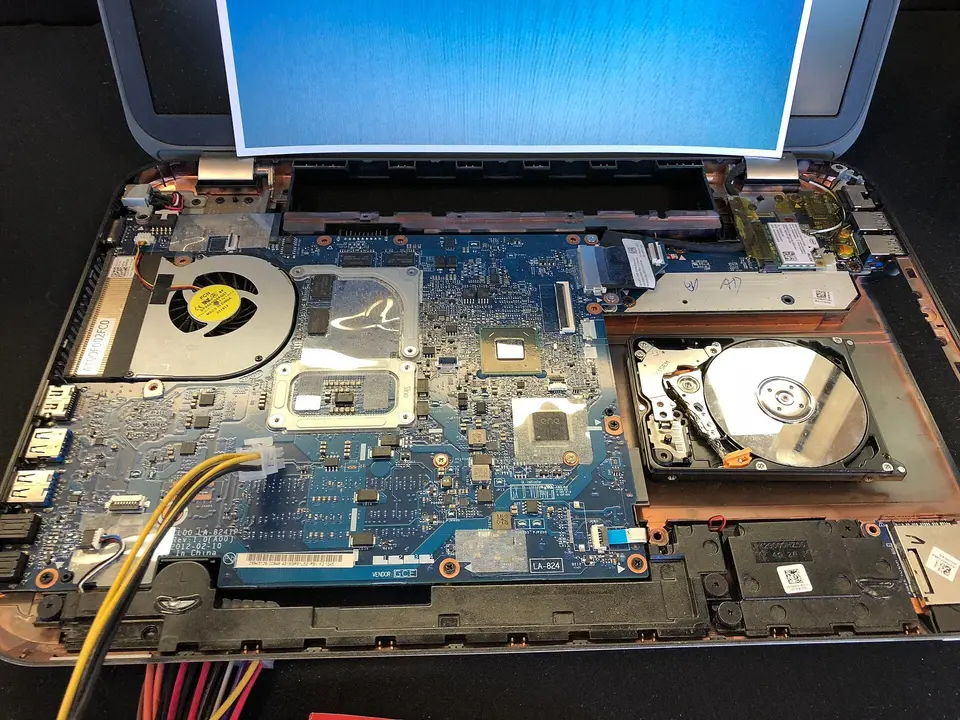 ArticleUpgrading a laptop SSD: choosing the drive, cloning or clean installUpgrading a laptop SSD means replacing or adding a solid-state drive of the type the laptop supports (2.5-inch SATA, M.2 SATA or M.2 NVMe), then moving the operating system to it e…
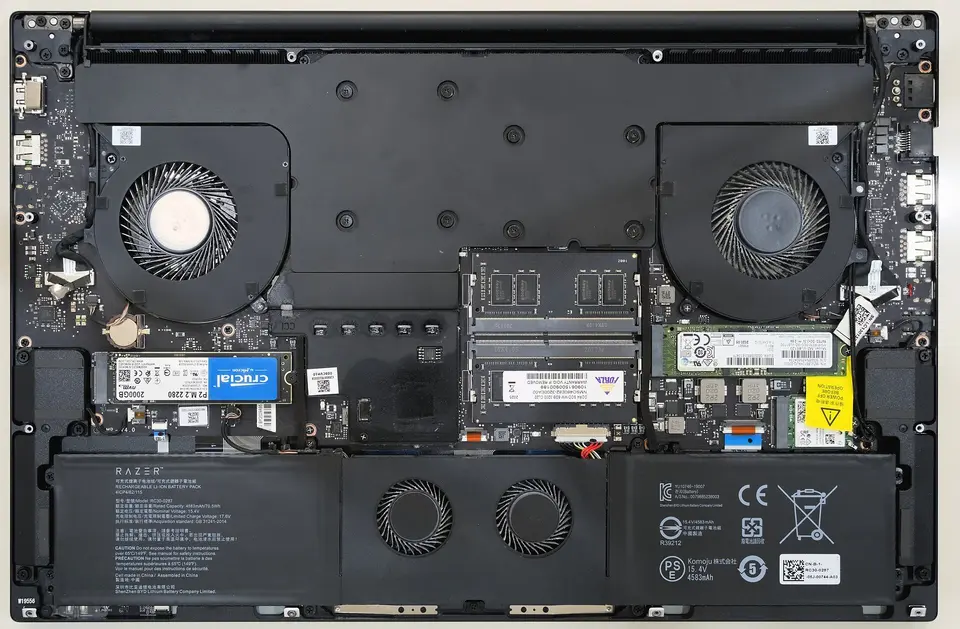 ArticleLaptop overheating: causes, cleaning the fan and repastingA laptop that overheats is, most of the time, suffering from dust packed into the heatsink fins and thermal paste between the chip and the copper plate that has dried out after 2–4…