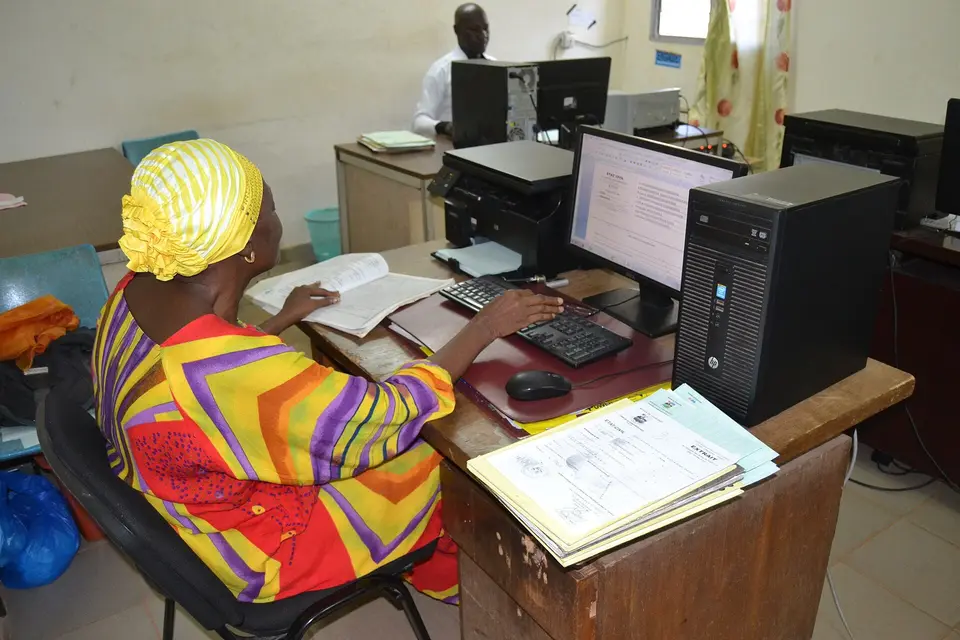
Office computing (Excel, Word)
An 8-step path to office computing skills: file management and security, professional Word documents, Excel from basic functions to VLOOKUP/XLOOKUP, pivots and charts, PowerPoint, Google Workspace teamwork, a real report project, then a certificate exam. Suits students, office workers and shop owners who manage data.
Start here
Step 1: File management, shortcuts & security
One short lesson per step, 10–15 minutes on a phone. No sign-up needed.
Hands-on roadmap
Roadmap
- Step 1Lesson
File management, shortcuts & security
Naming and organising folders, saving to OneDrive or Google Drive, common shortcuts; strong passwords, spotting phishing emails and malicious attachments, and not sharing public links carelessly.
No English content for this step yet.
- Step 2Skill
Professional Word documents
Styles, automatic table of contents, page numbers, tables and margins for administrative documents; Mail Merge; common mistakes like spaces instead of tabs and mixed fonts.
Requires: File management, shortcuts & security
No English content for this step yet.
- Step 3Skill
Excel basics: formatting & core functions
Data types, number and date formats, relative and absolute references; SUM, IF, COUNTIF, SUMIFS, TEXT and DATE; filtering, sorting, Data Validation and swapped day-month errors.
Requires: Professional Word documents
No English content for this step yet.
- Step 4Skill
Lookups & data cleaning
VLOOKUP, XLOOKUP, INDEX/MATCH and handling #N/A; splitting and joining columns, removing duplicates, TRIM, and basic Power Query to combine reports from several branches.
Requires: Excel basics: formatting & core functions
- Step 5Skill
PivotTables, charts & dashboards
Pivots by month, product and staff; column, line and pie charts matched to the data; slicers and a one-page dashboard; avoiding misleading 3D charts.
Requires: Lookups & data cleaning
No English content for this step yet.
- Step 6Skill
PowerPoint & Google Workspace teamwork
Clean slide layouts with tables and charts from Excel; Google Docs, Sheets and Forms: sharing permissions, comments, version history and building survey forms.
Requires: PivotTables, charts & dashboards
No English content for this step yet.
- Step 7Project
A complete sales & stock report set
From 3 months of raw shop data: clean it, look up prices, pivot revenue and build a dashboard; write a Word report and 5 slides presenting the results.
Requires: PowerPoint & Google Workspace teamwork
No English content for this step yet.
- Step 8Certificate
IT certificate exam & hiring tests
Prepare for the basic IT application skills certificate or MOS; practise common 30-minute Excel interview tests and list specific skills on your CV.
Requires: A complete sales & stock report set
No English content for this step yet.