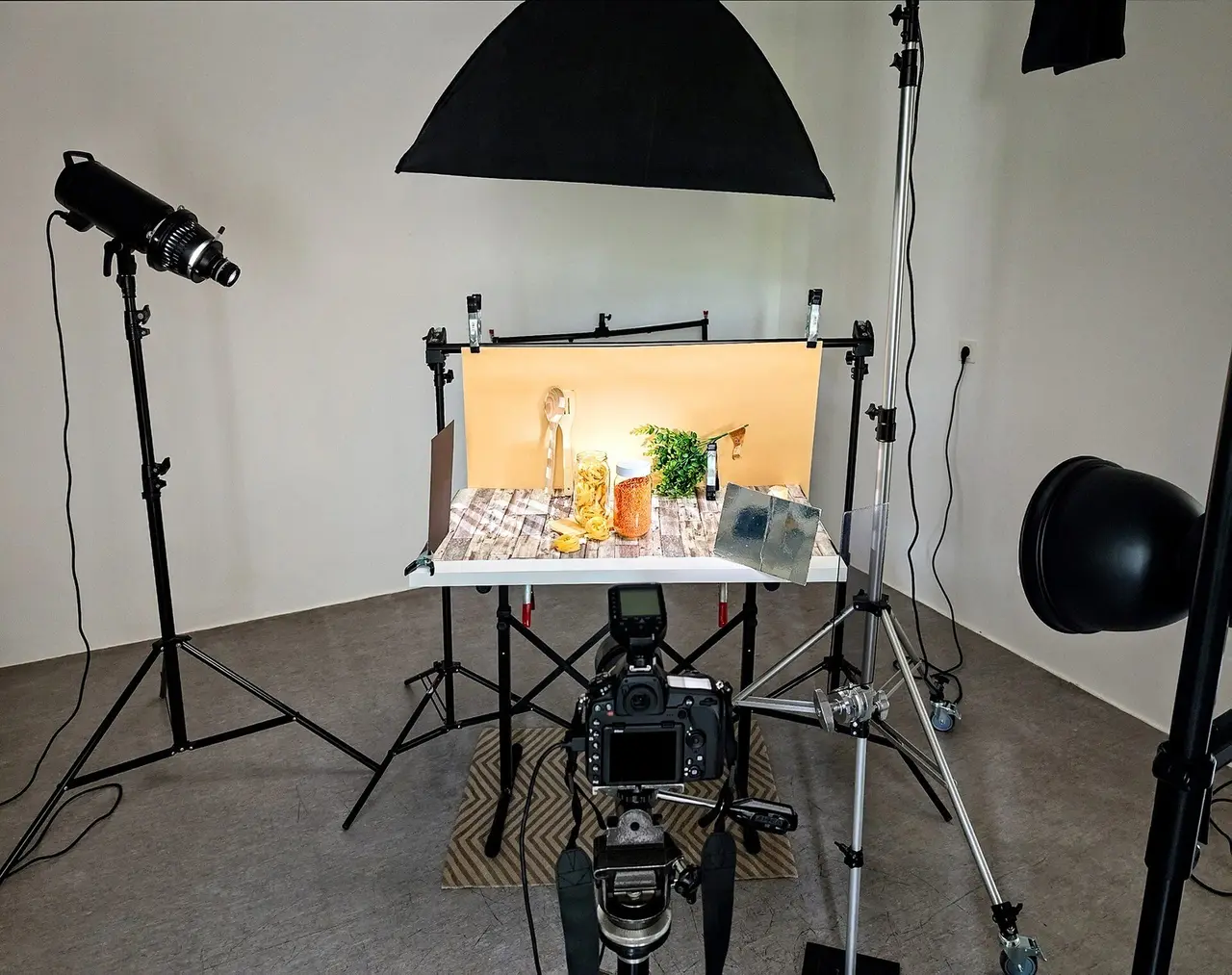
Selling well on TikTok LIVE comes down to having three things ready before you press Go Live: a room with enough light, clear sound and a stable connection; a script split into repeating 20–25 minute rounds (open, present, offer, close); and a live assistant who pins products and reads comments so the host can focus on talking and showing the goods. Beginners often go live "on the fly", ramble, and viewers leave within five seconds. This lesson covers equipment, a pre-show checklist, a minute-by-minute script, closing techniques, and a worked example of a two-hour live session in Vietnam with revenue and costs that add up.
By the end of this lesson, you will be able to:
- Set up a compact live room with a phone, mount, lights, a clip-on microphone and a display table on a specific budget.
- Run a 30-minute pre-show checklist: network, sound, light, products added to the cart, prices checked.
- Write a live selling script in 25-minute rounds and know what to say at each minute.
- Read comments, handle questions about price, size and quality, and close orders without overstating what a product does.
- Work out the revenue, costs and conversion rate of a live session to see whether it made or lost money.
Learning TikTok Shop and live selling properly? Live scripts and closing are step 5 of the roadmap, after opening a shop, choosing products, shooting short videos and setting up a live room. See the 8-step TikTok Shop and live selling roadmap to learn in the right order.
What makes up a live selling session?
Live selling means broadcasting live on TikTok with a shopping cart attached, so viewers can buy while they watch. Unlike short videos, viewers can ask questions and get answers immediately, so conversion is usually higher for products that need advice (clothes, cosmetics, household goods). The trade-off is effort: a two-hour session needs one to two hours of preparation.
Three roles in a live session
- Host: talks, shows and tries the products, answers questions and keeps the energy up.
- Live assistant: sits out of frame, pins the product being discussed, reads important comments to the host, logs frequent questions and hands over items to try.
- Operations (in a small shop, usually the owner): checks stock, prices and vouchers in Seller Center and handles orders after the session.
A new shop can have one person acting as host and operator, but you should add at least one live assistant once you have a few dozen concurrent viewers. A host who talks while tapping a phone loses rhythm, and that is when viewers leave.
Requirements for a live session with a cart
To add products to a live session, your TikTok account must be linked to a shop in Seller Center or approved to sell as an affiliate (see how to link them in the lesson on how to open a TikTok Shop). The conditions for going live, minimum followers, age and allowed categories vary by account type and change with platform updates. Do not trust numbers passed around by word of mouth; check them in the app and the TikTok Shop help centre before planning your schedule.
Live selling equipment: the minimum and the upgrades
Viewers forgive a plain background, but not a dark picture, crackling sound or a stuttering stream. Spend money in this order: a stable connection, then sound, then light, then the backdrop.
Phone and mount
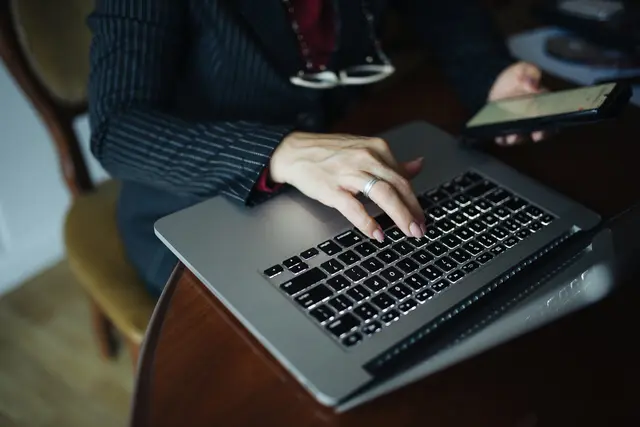
A phone from the last two or three years, filming vertically, is enough for live selling. Mount it on a tripod with a threaded clamp (Figure 1), at the host's eye level and about 1–1.5 m away so the frame shows half the body and the display table. Use the rear camera for sharper video if you have a second phone for the host to read comments; with only one phone, use the front camera so the host can see themselves. Keep it plugged in for the whole session and turn on Do Not Disturb so calls do not interrupt.
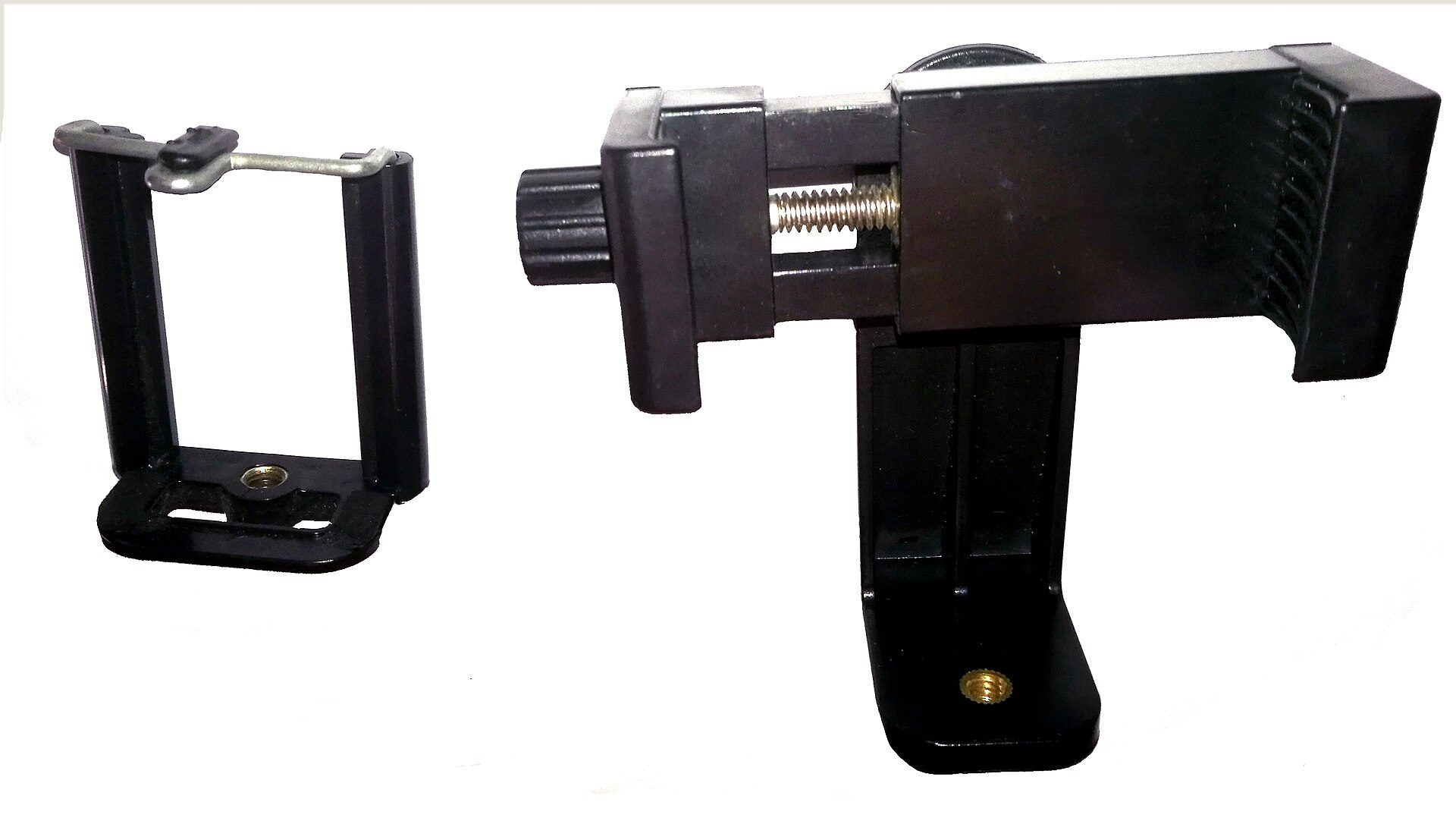
Photo: Draco flavus / Wikimedia Commons, CC BY-SA 3.0
Lighting
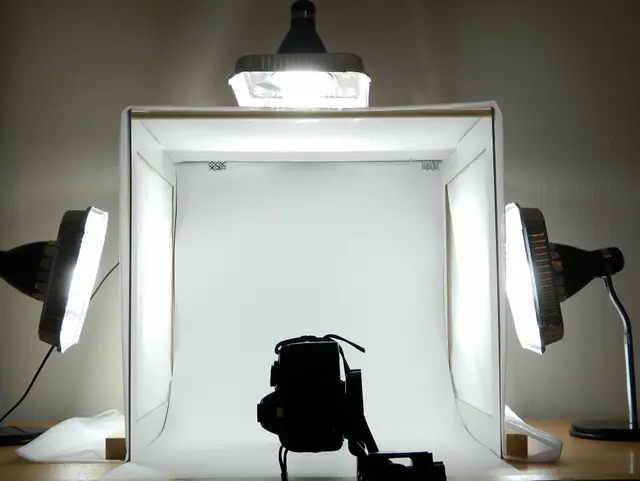
Place the key light 30–45 degrees in front of the host and slightly above eye level, with a weaker fill light on the opposite side to soften shadows. Softboxes (Figure 2) give soft light that shows skin and fabric colours more accurately than a ring light pushed close to the face. Use lights with the same colour temperature (usually about 5,000–5,600K, daylight white) and switch off warm yellow ceiling lights so product colours are not shifted. For clothes and cosmetics, wrong colours on screen are the number one cause of returns.
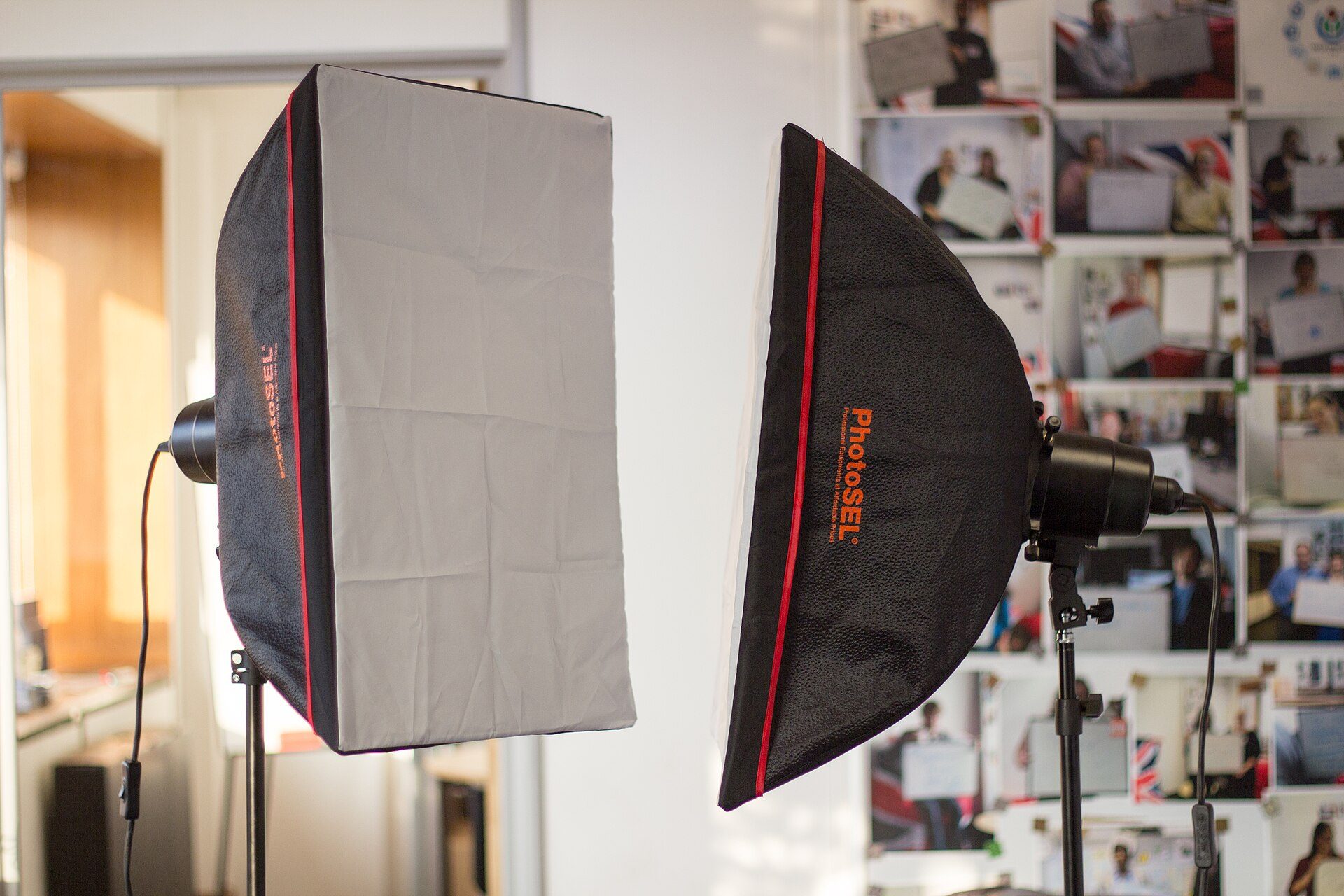
Photo: Katie Chan / Wikimedia Commons, CC BY-SA 3.0
Sound and network
Clip a lavalier microphone (Figure 3) about a hand's span from the mouth and run the cable inside the shirt so it does not rustle. A phone's built-in microphone 1.5 m away picks up room echo, fans and traffic. For the network, use a dedicated Wi-Fi line or a wired connection through a phone adapter; test the upload speed before the session and make sure it is steadily several Mbps (as a rough guide, about 5–10 Mbps for vertical HD live video). Keep a 4G or 5G plan as a backup in case the Wi-Fi drops.
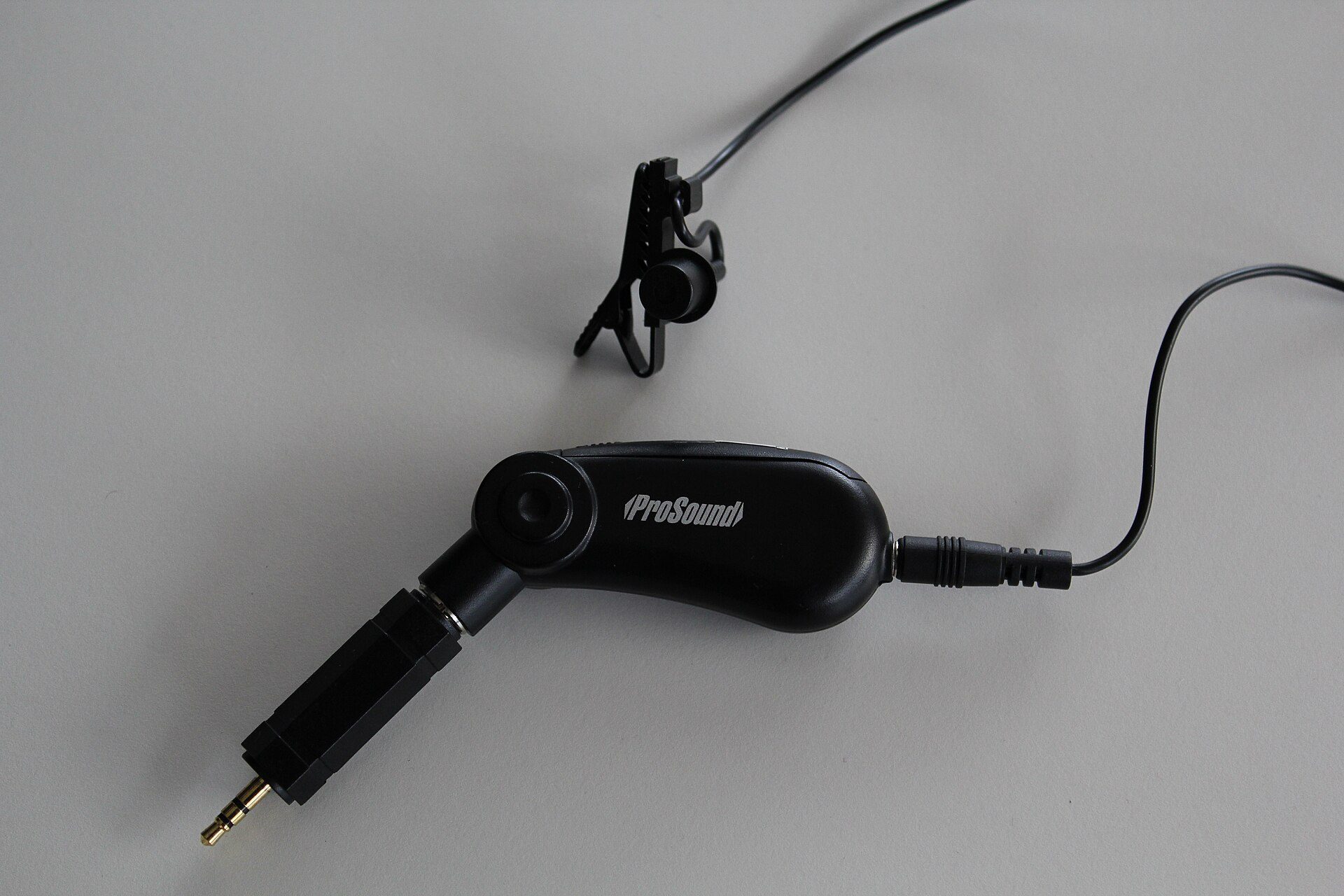
Photo: Katie Chan / Wikimedia Commons, CC BY-SA 3.0
Equipment by budget (2026 reference prices in Vietnam, varying by region and brand)
| Item | Minimum | Upgrade | Notes |
|---|---|---|---|
| Mount, tripod, clamp | 150,000–400,000 VND | 500,000–1,200,000 VND | Sturdy, no shake when the table is touched |
| Lights | 1 LED or ring light, 300,000–800,000 VND | 2 softboxes, 1,500,000–3,500,000 VND | Same colour temperature |
| Microphone | Wired clip-on, 150,000–400,000 VND | Wireless for 2 people, 1,000,000–3,000,000 VND | Shared by host and guest |
| Second phone for comments | An old phone you already have | A tablet | Held by the assistant, visible to the host |
| Backdrop, display table | Plain wall + folding table, 300,000–600,000 VND | Fabric backdrop, clothes rack, 1,000,000–2,500,000 VND | Tidy, not cluttered |
At the minimum level, the total is usually about 1–2 million VND (roughly 40–80 USD) if you already own a phone. Do not buy every upgrade at once; run 5–10 sessions, note what viewers complain about (too dark, too quiet, lagging) and upgrade exactly that.
Room layout and the pre-show checklist
A good live room is one where the host never has to get up to look for something. Every product to be presented is lined up in script order on the display table in front of the host, with sizes and colours ready in labelled baskets.
Suggested layout for a 3 × 4 m room
- The host stands or sits in the middle, about 1 m in front of the wall so no shadow falls on the backdrop.
- The display table sits in front of the host at hip height, covered with a plain cloth.
- The live phone and key light are in front; the assistant sits to one side, out of frame.
- A rack of items to try on is within the host's reach, outside the frame.
Checklist 30 minutes before going live
- Fully charge and plug in the phone, turn on Do Not Disturb and mute other app notifications.
- Test the network speed and have the backup connection ready.
- Turn on the lights and look at the screen: the host's face is not blown out and product colours match real life.
- Speak for 30 seconds and listen back: no crackle, echo or fan noise.
- Check in Seller Center that products are added to the live list, prices and stock are correct and vouchers are active for the right time slot.
- Line up products in script order and prepare a size chart and answers to common questions on paper.
- Host and assistant agree on hand signals: "pin the product", "slow down", "important question".
A live selling script in 25-minute rounds
Viewers keep arriving during a live session and each stays only a few minutes. So the script does not run once from start to finish; it repeats in rounds, so anyone who joins hears the product, price and offer within a few minutes. A round of 20–25 minutes suits a new host.
Structure of one round
| Minute | Part | Host | Assistant |
|---|---|---|---|
| 0–3 | Open the round | Welcome newcomers and give a reason to stay: the session's offer, a gift for first orders | Pin the hero product, remind viewers to follow |
| 3–10 | Present | Show fabric and stitching up close, try it on, state 3 key benefits and who it suits | Read out questions about size and colour |
| 10–15 | Q&A | Answer comments, call people by name, compare two items | Pick the most repeated questions for the host first |
| 15–20 | Offer | Open a deal limited by time or quantity, state the real price clearly | Activate the voucher, update the quantity left |
| 20–25 | Close and switch | Explain how to order: tap the cart, choose a size, apply the voucher; tease the next product | Pin the next product, log the round's order count |
3 + 7 + 5 + 5 + 5 = 25 minutes. A two-hour session is 10 minutes of opening, 4 rounds × 25 minutes = 100 minutes, and 10 minutes of closing, exactly 120 minutes.
The 3-second opener
The first line of each round must answer "what do I get for staying". For example: "If you just joined, this thick cotton T-shirt comes in a two-shirt combo today; let me show you how heavy the fabric is right now." Avoid opening with "Hi everyone, let's wait for more people to join", because a newcomer who hears that leaves.
Write the script on paper
Make one card per product: name, price, 3 benefits, size chart, 3 common questions with answers, and what NOT to say (unproven claims). With the card in hand, a new host does not run out of words or slip into exaggeration.
Keeping viewers and closing orders
Closing is not shouting "order now, everyone" over and over. Viewers buy when their doubts are answered and they see a reason to buy now.
Reading comments the right way
- Use the person's name when you answer; they and everyone else feel noticed.
- Repeated questions (size, material, delivery time) get a clear answer every round.
- Fair negative comments get a calm reply and another look at the product; trolling gets ignored, never argued with on air.
Three closing techniques you can use today
- Show proof: stretch the fabric, hold the stitching close to the camera, try on two sizes for comparison.
- Real limits: "20 shirts left at this price", "the voucher ends with this round"; the numbers must match the stock actually enabled.
- Walk them through it: many viewers do not know how to tap the cart, choose a size or apply a voucher. The host demonstrates on a second phone, step by step.
Handling objections
"Why is it more expensive than elsewhere?" Compare fabric, thickness and the return policy, without criticising other shops. "Will the colour fade?" Explain how to wash it and the return conditions, never promise "it will never fade". If you are not sure, say "I will check and reply in the comments after the session", then do exactly that.
Telling the truth and staying safe on air
Live means unedited, so an exaggeration goes out immediately. The platform can cut a session, add violation points or restrict features when content breaks its policies; for some product groups, false advertising can also break advertising and consumer protection law.
Things you must not say
- Cosmetics (Figure 4): no "cures acne for good", "whiter skin in 3 days" or "replaces medicine". Only state the uses printed on the registered label.
- Food and health supplements: no claims of curing disease or "rapid" weight loss, and no comparisons with medicine.
- Prices: no inflated "original" price to fake a 70% discount; the comparison price must be a real price you have sold at.
- Do not play copyrighted music as background without the rights; use the licensed music library inside the app.
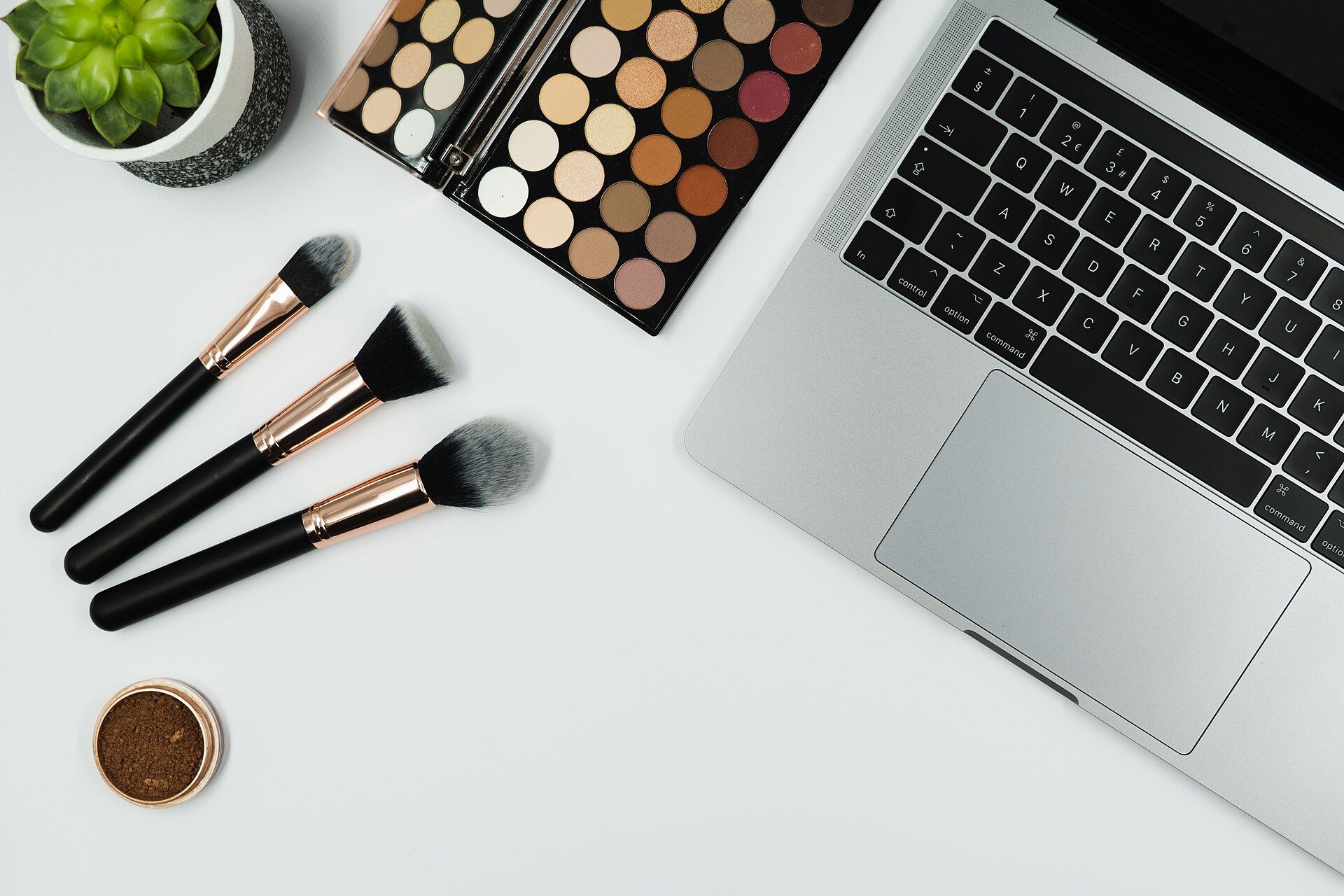
Photo: geehairimages / Wikimedia Commons, CC BY 2.0
Safety and legal warning: Lights, chargers and wireless mics on one extension cord in a closed room can overload and overheat: use a power strip with a fuse or breaker, never daisy-chain strips, never run cables under a rug, and switch the lights off during breaks so lamps and sockets cool down. Tall light stands must stand firmly, weighted with sandbags or something heavy, with no cables across walkways. On content: do not claim uses that have not been declared, and do not sell products that need a licence before you have the paperwork. Platform policies and advertising rules in Vietnam change over time; read the current versions in Seller Center and from the relevant government authorities rather than relying on hearsay.
Worked example: a two-hour session selling T-shirts
A small shop sells cotton T-shirts and shorts and goes live from 20:00 to 22:00 on Friday evening. The owner hosts, with one live assistant paid per shift. The session is 10 minutes of opening, 4 rounds × 25 minutes, and 10 minutes of closing. The figures are an example to practise the maths, not a revenue promise.
Session results
- Total session views: 3,200. Orders: 85.
- Conversion rate: 85 ÷ 3,200 ≈ 2.7%.
- Single T-shirt 149,000 VND × 50 orders = 7,450,000 VND.
- Two-shirt combo 279,000 VND × 20 orders = 5,580,000 VND.
- Shorts 159,000 VND × 15 orders = 2,385,000 VND.
- Revenue: 7,450,000 + 5,580,000 + 2,385,000 = 15,415,000 VND, from 50 + 20 + 15 = 85 orders.
Costs and gross profit (2026 reference)
| Item | Calculation | Amount |
|---|---|---|
| Cost of T-shirts | (50 + 20 × 2) = 90 shirts × 70,000 VND | 6,300,000 VND |
| Cost of shorts | 15 × 75,000 VND | 1,125,000 VND |
| Platform and payment fees (assumed 12%) | 15,415,000 × 12% | 1,849,800 VND |
| Packaging | 85 orders × 5,000 VND | 425,000 VND |
| Live assistant, 2-hour shift | 1 person × 250,000 VND | 250,000 VND |
| Total costs | 9,949,800 VND | |
| Session gross profit | 5,465,200 VND | |
Check: 6,300,000 + 1,125,000 + 1,849,800 + 425,000 + 250,000 = 9,949,800 VND; 15,415,000 − 9,949,800 = 5,465,200 VND. The 12% is only an assumption for practice; real fees have several parts and vary by category and campaign, so take the figures from Seller Center. This gross profit does not yet deduct the host's time, equipment wear, returns or tax. If 5% of orders are returned, the shop also pays return shipping and has stock to resell, so log the return rate of every session.
Lessons after the session
The assistant logged orders by round: round 1 had 12, round 2 had 25, round 3 had 30, round 4 had 15, and the opening and closing had 3. 12 + 25 + 30 + 15 + 3 = 85 orders. Round 3 (around 21:00) was busiest, so next time the combo deal moves to round 3. Round 4 dropped because the host was tired and slowing down; next time the assistant takes over reading comments to rest the host's voice.
Common live selling mistakes
Viewers join and leave immediately
Sign: high views but very short average watch time. Cause: a long greeting, a dark picture, quiet sound. Fix: open with the product and the offer, and adjust lights and mic using the checklist.
Many viewers, few orders
Sign: lots of comments, few orders. Cause: no product pinned, no ordering instructions, unclear prices, size questions unanswered. Fix: the assistant pins the product being discussed and the host states the price and how to order every round.
Many returns after the session
Sign: rising returns and "not like on the live" reviews. Cause: lights shifting colours, overstating quality, guessing sizes. Fix: use true-colour white lights, measure garments with a tape on air and be honest about a product's limits.
The session is cut or restricted
Sign: the stream stops suddenly or a violation notice appears. Common causes: copyrighted music, exaggerated claims, products that need a licence. Fix: read the violation notice in the app, fix exactly what it names and review the current policy before the next session.
Frequently asked questions
How long should a TikTok live selling session be?
Beginners should start with 60–120 minute sessions at the same time slot a few times a week, so viewers learn your schedule and the host keeps their voice. Longer sessions only pay off with two hosts taking turns.
What time of day gets the most live viewers?
Usually evenings after work and lunch breaks, but every customer group is different. The reliable way is to test two or three time slots over two weeks and compare views and orders for each in Seller Center.
Do I need a ring light, or are softboxes better?
A ring light is cheap and compact, fine for close-up talking. For clothes or household goods where viewers need to see the whole body and the table, two softboxes give more even light. Start with what you have and upgrade when viewers complain about the picture.
Can one person run a live selling session alone?
Yes, while audiences are small. Pin products in order before the session and use a second phone to read comments. Once sessions get busy, a live assistant clearly increases orders because the host no longer has to talk and operate the phone at the same time.
Practice tasks and self-assessment
- Set up a live room with the equipment you have, take a screenshot during a picture test and listen back to 30 seconds of recording.
- Write script cards for 3 products: price, 3 benefits, size chart, 3 common questions, things not to say.
- Do a 30-minute practice live (private, or for friends), with one 25-minute round plus 5 minutes of opening and closing; ask viewers to score you against the criteria below.
- Work out the revenue, costs, gross profit and conversion rate of the practice session using the table above.
Self-assessment criteria
- Pass: the picture is bright enough and product colours match real life; the sound is clear without crackle.
- Pass: every round states the price, the offer and how to order; the first line of each round gives a reason to stay.
- Pass: no exaggerated claims; every offer figure matches Seller Center.
- Pass: the session sheet adds up and logs orders by round.
- Not yet: going live without a script, not pinning products, or promising uses a product does not have.
Once you can run a scripted live session and know your orders per round, move on to the next roadmap step: GMV Max ads, affiliates and reading the numbers, where you learn to bring in more viewers with ads, invite affiliate creators and read GMV, conversion rate and ROI to see which sessions make money and which lose it.
Want to sell on TikTok Shop and go live like a professional? See the 8-step TikTok Shop and live selling roadmap: from opening a shop, choosing products and shooting videos to setting up a live room, scripting sessions that close orders and reading the numbers.