Facebook message ads (click-to-message ads) carry a "Send message" button: when someone taps it, a Messenger chat (or Instagram or WhatsApp) with your Page opens straight away instead of a website. They suit small Vietnamese shops that close sales through one-to-one advice, but real results depend less on the cost per message than on how quickly you reply and how good your script is. This lesson covers setting up the campaign, reading cost per message, writing a 5-step reply script, and an example of a shoe shop where, on the same budget, the cost per order fell by 40% just by fixing the way it replied.
By the end of this lesson, you will be able to:
- Create a message ad campaign with a greeting and suggested questions that fit the product.
- Read the cost per conversation and convert it into the cost of a real order.
- Write a 5-step reply script from greeting to order confirmation, with answers to common objections.
- Organise the inbox with saved replies, labels and shifts so you can answer within about 5 minutes.
- Compare two weeks of ads with a funnel table and find the stage that needs fixing.
Learning Facebook ads properly? Message ads belong to step 6, "Campaign structure, budget and optimisation", after ad policies, Business Manager, the Pixel, audience targeting and ad creative. See the Facebook ads specialist roadmap to learn in the right order.
What Facebook message ads are and who they suit
With a regular ad, a tap takes people to a website or product page. With a message ad, the destination is a conversation: the person taps the button, a chat opens with a greeting and a few suggested questions, and one tap on a question sends a message to the shop (Figure 1).

Photo: Nenad Stojkovic / Wikimedia Commons, CC BY 2.0
How they work
You pay for impressions like any other ad, but delivery is optimised to find people likely to send a message. Ads Manager reports the number of messaging conversations started and the cost of each, as Meta defines them (read the metric description inside your account, because the way it is counted can change).
When to use them
- Products that need advice before buying: shoe and clothing sizes, cosmetics by skin type, furniture measured to the room.
- Shops without a website, or whose website does not yet have a Pixel good enough to optimise for purchases.
- Services that need booking: spas, repairs, classes, where customers want to ask about prices and free slots.
When not to use them
For cheap, habit-driven products that need no questions (single-use items costing a few tens of thousands of VND, for example), each conversation costs more in advice time than one order earns. And if nobody is available to answer messages, do not run them at all: your ad money buys conversations that go cold.
Setting up a message ad campaign step by step
The Ads Manager interface changes often and menu names may differ slightly, but the logic has three layers: the campaign objective, the conversion location at ad set level, and the message template at ad level.
Step 1: choose the objective and conversion location
- Create a new campaign and choose the Engagement objective (or Sales if you want to optimise for purchases made in chat and the account already has enough data).
- At ad set level, set the conversion location to Messaging apps, then tick Messenger, Instagram or WhatsApp depending on where the shop can reply.
- Set the performance goal to maximise conversations; once you have many orders closed through chat, try optimising for people likely to buy.
- Set the budget and audience as for other campaigns; for how to split the budget, see the lesson Facebook ads daily budget.
Step 2: the greeting and suggested questions
The message template is the first thing people see when the chat opens. The greeting should be short and mention the exact product in the ad, and the 3–4 suggested questions should be the ones customers ask most. An example for a ballet-flat shop (the original lines are in Vietnamese):
- Greeting: "Hello, we have soft leather ballet flats in sizes 35–40, priced 420,000–480,000 VND. Would you like help with sizing or to see more colours?"
- Suggested question 1: "Help me with my size"
- Suggested question 2: "Do you have black?"
- Suggested question 3: "What about shipping and returns?"
Each suggested question should have a matching automated answer or saved reply, so the customer gets information immediately even when staff are busy.
Step 3: ad content that suits messaging
The image or video must show the product clearly (Figure 2), and the ad text should give a clear reason to message: "Message us and we will size you by your foot length". Putting the price or price range in the ad filters out people who are only asking out of curiosity; many customers dislike the "inbox us for the price" approach and never come back.
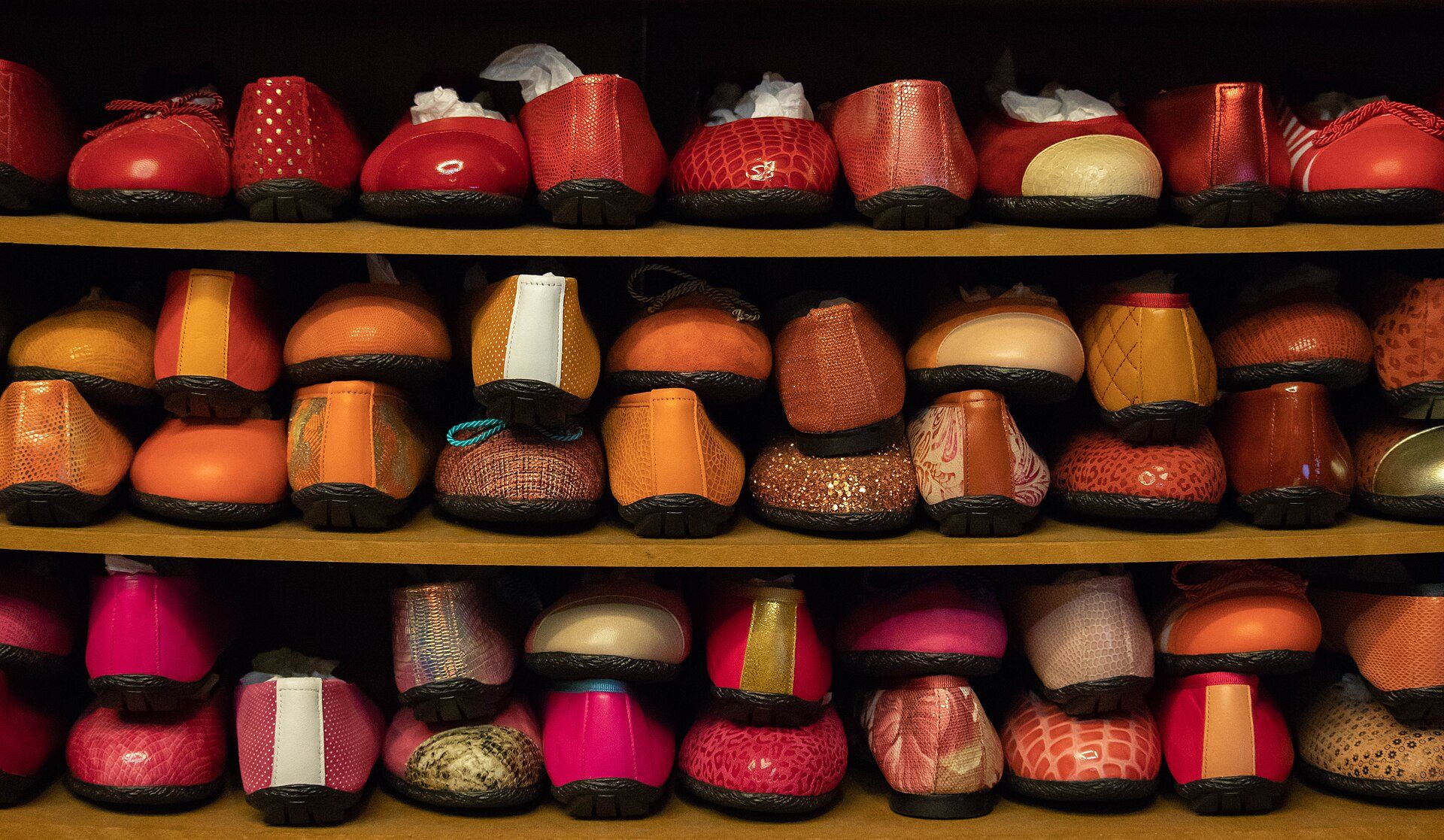
Photo: Tomascastelazo / Wikimedia Commons, CC BY-SA 4.0
Cost per message: how much is reasonable?
There is no universal answer to "what is a cheap cost per message". As a 2026 reference in Vietnam, the cost per conversation usually ranges from about 5,000 to 40,000 VND (roughly US$0.20–1.50), depending on the product category, region, peak season and content quality. The right number for your shop must be worked out from your profit and close rate.
From cost per message to cost per order
Cost per order = cost per message ÷ close rate. For example, at 20,000 VND per message and a 25% close rate, each order costs 20,000 ÷ 0.25 = 80,000 VND in ad spend. Working backwards from an acceptable cost per order gives you a ceiling for cost per message; the budget lesson above shows the detailed calculation from gross profit per order.
Cheap messages are not always good messages
Ads like "free gift, message now" can bring in cheap messages, but mostly from people asking about the gift who never buy. Compare ads by cost per order, not cost per message.
| Ad | Cost per message | Close rate | Cost per order |
|---|---|---|---|
| A: product photo + clear price | 24,000 VND | 30% | 80,000 VND |
| B: "message us for a gift" | 9,000 VND | 6% | 150,000 VND |
| C: video of the shoes being tried on | 18,000 VND | 24% | 75,000 VND |
Check: 24,000 ÷ 0.30 = 80,000; 9,000 ÷ 0.06 = 150,000; 18,000 ÷ 0.24 = 75,000. Ad B is the cheapest per message but the most expensive per order; C is the ad to put more money into.
Record closed orders so you can measure
Meta does not know which conversation became an order. Apply a "Closed" label in the inbox, log each order in a spreadsheet with the name of the ad the customer tapped (usually shown at the top of the conversation), and at the end of the week divide total ad spend by the number of real orders.
A 5-step reply script
A script is not there to make you sound like a robot; it makes sure every staff member follows the same order, never forgets to ask for information and never leaves a customer hanging.
Step 1: greet and confirm the need
Reply within a few minutes and name the product the customer tapped: "Hello, you are looking at the soft leather ballet flats in red, right? What size do you usually wear, so I can check stock?" One specific question gets a better response than "How can I help?".
Step 2: ask 2–3 questions to advise properly
Ask about foot length, whether the foot is wide or narrow, and whether the shoes are for work or going out. Do not fire off more than 3 questions in a row; mix in useful information for the customer.
Step 3: suggest 1–2 options, real photos, clear price
"Your foot is 23.5 cm and a little wide, so I suggest size 37 in the round-toe style. It is 450,000 VND, inner-city shipping is 25,000 VND, and you can try them and exchange the size within 7 days." Send 2–3 real photos or a short video; too many options make customers hesitate.
Steps 4 and 5: handle objections, close and confirm the order
Once the customer agrees, ask for their full name, phone number and address, then send a summary message (style, size, colour, price, shipping fee, total and expected delivery date) for the customer to confirm with "OK". This summary sharply reduces refused deliveries because the customer has seen the total clearly.
| Customer objection | Suggested way to answer |
|---|---|
| "Why is it more expensive than elsewhere?" | Explain the real differences (material, warranty, size exchange) without criticising other shops |
| "I'm afraid they won't fit" | Mention the size-exchange policy and explain how to measure the foot with a ruler |
| "Let me think about it" | Ask permission to message again at a time the customer chooses, within the window the policy allows |
| "How long is delivery?" | Give the number of days by region; do not promise more than the courier can deliver |
Reply speed and inbox organisation
A customer messaging your shop is often messaging 2–3 other shops at the same time. Whoever replies first and most clearly usually wins the sale.
Aim to reply within about 5 minutes
While ads are running, aim to answer the first message within about 5 minutes. If nobody is on duty at night, schedule ads to run only during staffed hours (hourly ad scheduling usually requires a lifetime budget; check in your account) or switch on an automatic reply stating your opening hours.
Saved replies, labels and shifts
- Saved replies in Meta Business Suite: keep the size chart, return policy, shipping fees and payment methods ready.
- Labels: "New", "Advising", "Waiting on size", "Closed", "Not buying", so you can count the funnel at the end of the day.
- Shifts: a shop with several people should split shifts clearly and assign each conversation to one person (Figure 3), so two people never answer the same customer.
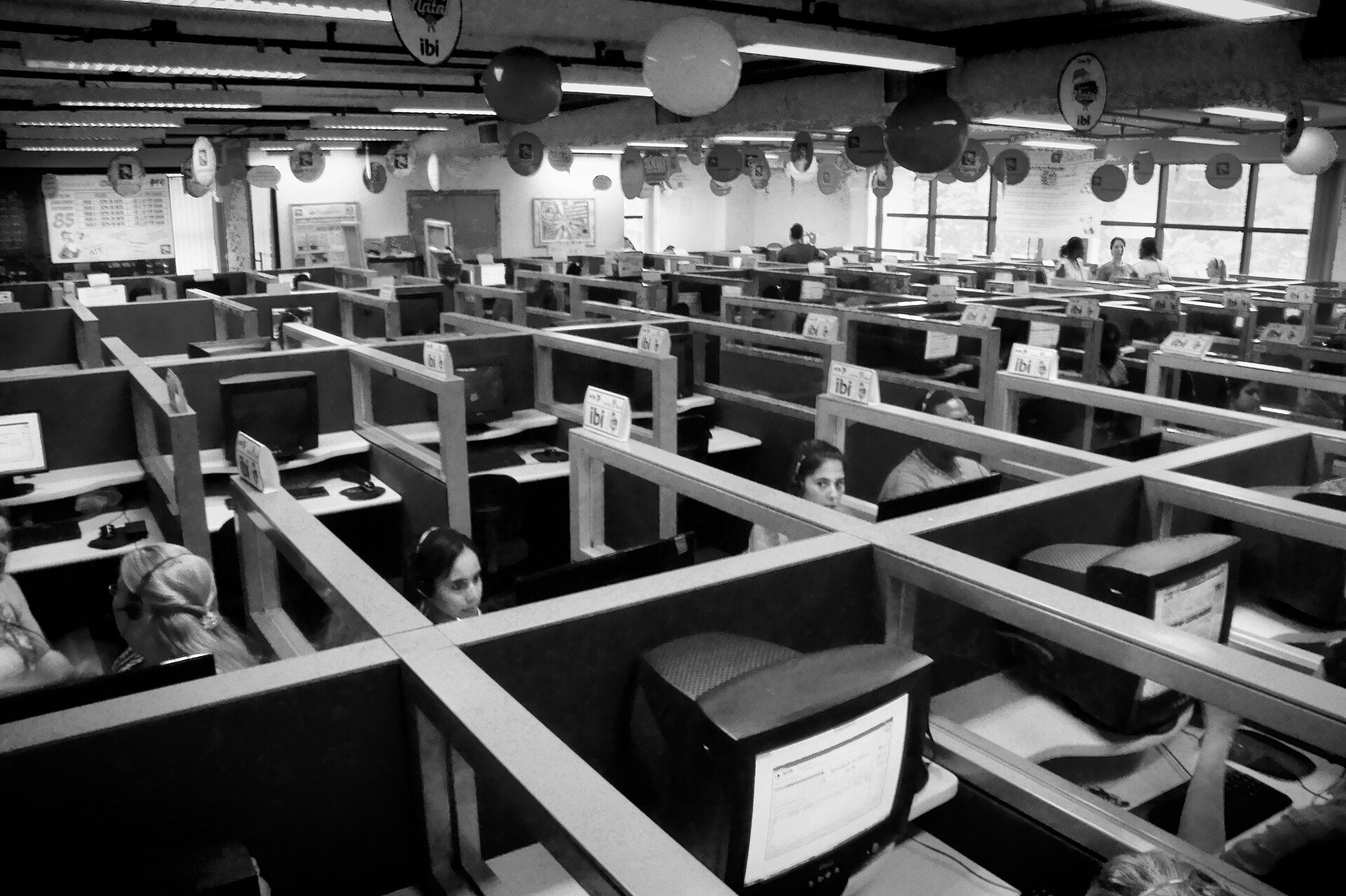
Photo: Carlos Ebert from São Paulo, BrazilGRU / Wikimedia Commons, CC BY 2.0
The 24-hour rule for follow-ups
Under Meta's messaging policy, businesses can usually only message freely within a limited window (commonly 24 hours) after the customer's last message; outside that window you must use permitted tools such as message tags or sponsored messages. The policy can change, so read the current Messenger Platform policy before doing any bulk follow-up.
Worked example: a women's ballet-flat shop, two weeks on the same budget
Ms Mai sells women's ballet flats online with nationwide delivery. Her average order is 450,000 VND and her gross profit before advertising is about 180,000 VND per order (40%). She runs message ads at 300,000 VND a day, or 300,000 × 7 = 2,100,000 VND a week (2026 reference, depending on category and season).
Week 1: slow replies, no script
She answered messages while packing orders, taking 2 hours on average to answer the first message, and replied differently each time. Result: 105 conversations at 2,100,000 ÷ 105 = 20,000 VND each, and 18 orders closed.
Week 2: price in the ad, fast replies, the script
She added the price range to the ad, had her younger sister cover messages from 8 am to 10 pm, and used saved replies and the 5-step script. Result: 100 conversations (21,000 VND each, slightly higher because the price in the ad filtered out the merely curious); 82 customers replied after the greeting; 51 received size advice and looked at photos; 36 left a phone number and address; 30 confirmed an order.
Comparing the two weeks
| Metric | Week 1 | Week 2 |
|---|---|---|
| Ad spend | 2,100,000 VND | 2,100,000 VND |
| Conversations | 105 | 100 |
| Cost per conversation | 20,000 VND | 21,000 VND |
| Orders closed | 18 | 30 |
| Close rate | ≈ 17.1% | 30% |
| Cost per order | ≈ 116,667 VND | 70,000 VND |
| Gross profit (orders × 180,000 VND) | 3,240,000 VND | 5,400,000 VND |
| Profit after ad spend | 1,140,000 VND | 3,300,000 VND |
Check: 18 ÷ 105 ≈ 17.1%; 30 ÷ 100 = 30%. Cost per order: 2,100,000 ÷ 18 ≈ 116,667 VND and 2,100,000 ÷ 30 = 70,000 VND, a fall of (116,667 − 70,000) ÷ 116,667 ≈ 40%. Profit: 18 × 180,000 − 2,100,000 = 1,140,000 VND; 30 × 180,000 − 2,100,000 = 3,300,000 VND. The cost per message rose 5%, but profit almost tripled; looking only at cost per message, Ms Mai would have wrongly concluded that week 2 was worse.
Reading the week 2 funnel to keep improving
The drop from 100 to 82 (18 lost) is customers who did not answer the greeting; the drop from 82 to 51 (31 lost) is the advice stage, the biggest leak. In week 3 she should add a foot-measuring video and the size chart to her saved replies rather than increase ad spend.
Policies, customer data and account security
The inbox holds phone numbers and addresses of hundreds of customers. That is personal data, and also a target for scammers.
Security and policy note: Ask only for the information needed for delivery; never ask customers to send photos of ID documents or OTP codes. Do not copy customers' phone numbers to sell, share or send bulk promotions without their consent; follow the personal data protection rules in force in Vietnam. Turn on two-factor authentication for every Page admin account, and never click "your Page has violated our policies, verify here" links sent by message. Check that money has actually arrived in the bank account before shipping; do not trust screenshots of transfers.
Ad content that does not mislead
The promises in the ad and in the chat must match: price, gifts and delivery time. An ad promising "free shipping" when the chat then reveals conditions is the fastest way to get reported by customers and lower your account quality.
Common mistakes with message ads
Running ads with nobody on duty
Sign: messages pour in at night, replies go out in the morning, and the customer has already bought elsewhere. Cause: ads running 24/7. Fix: limit the delivery schedule or reduce budget during unstaffed hours, and switch on an automatic reply with opening hours.
Judging ads by cost per message
Sign: turning off a pricier message ad that closes well while keeping a cheap one full of gift-seekers. Cause: not logging orders by ad. Fix: use labels, log orders in a spreadsheet and compare cost per order.
One reply, then silence
Sign: many conversations stop at "It's 450k". Cause: no follow-up question or suggestion. Fix: end every reply with a question or a choice that invites the customer to respond.
Frequently asked questions
How much does a Facebook message ad cost per message?
As a 2026 reference in Vietnam, about 5,000–40,000 VND per conversation, depending on category, region and season. Work out a ceiling for your own shop from profit per order and close rate instead of comparing with other shops.
Should I choose the Engagement or Sales objective for message ads?
Beginners with little order data usually start with Engagement and optimise for conversations. Once you have many orders closed through chat and can track them, you can try Sales so the system looks for people more likely to buy.
Do message ads need a Pixel?
No, because the destination is the chat, not a website. But if your shop has a website, installing the Pixel still helps you build audiences and measure behaviour in other campaigns.
Can a chatbot handle everything?
Chatbots suit repetitive questions such as shipping fees, size charts and opening hours. Advice and closing should still involve a real person, especially for products that need trying on or measuring, or that are expensive.
Practice exercises and self-assessment
- Write a greeting and 3 suggested questions for a product of your choice, with a saved reply for each suggested question.
- Write a 5-step script for that product, with answers to at least 4 objections.
- From these assumed figures: 2,800,000 VND ad spend, 140 conversations, 35 orders, gross profit 150,000 VND per order, calculate cost per conversation, close rate, cost per order and profit after ad spend.
Self-assessment criteria
- Pass: your calculation gives 20,000 VND per conversation, a 25% close rate, 80,000 VND per order and a profit of 35 × 150,000 − 2,800,000 = 2,450,000 VND.
- Pass: the greeting names the right product, includes the price or price range, and every message in the script ends with a question or a choice.
- Pass: you have a way to record orders by ad (labels, spreadsheet).
- Not yet: you only compare cost per message, your script promises things the ad does not say, or you ask customers for information not needed for delivery.
Once you can run message ads, the next step of the roadmap is Reading the numbers and performance reporting: you learn to read the metric columns and build a weekly report that combines ad data with real closed orders, like Ms Mai's table.
Keep learning Facebook ads: after campaign structure and optimisation come reading the numbers, a real small-budget campaign project and the Meta Blueprint certification. See the Facebook ads specialist roadmap.