Learning backend development should start with four foundations before you pick a framework: programming thinking with basic data structures and a sense of complexity (Big-O); the Linux command line and SSH, because almost every server runs Linux; Git with branches and pull requests, because every team works through Git; and the habit of reading logs and English documentation. Someone studying in the evenings for about 10 hours a week usually needs 8-12 weeks for this part. This lesson explains each piece with real backend examples, including a worked example of fixing a slow API from the logs all the way to a pull request.
By the end of this lesson, you will be able to:
- Choose the right data structure (array, hash map, set, queue) for common backend problems and estimate the Big-O of a piece of code.
- Use about 20 basic Linux commands, SSH into a server and filter logs with grep and tail.
- Work with Git in a feature-branch flow: create a branch, make meaningful commits, open a pull request and address review comments.
- Read a stack trace to find the line of code that caused an error, and look things up in the official English documentation.
- Plan 10 weeks and 100 hours to complete the foundation step.
Just starting out in backend development? Programming basics, Linux and Git are step 1 of the 9-step roadmap, before choosing a language and learning REST APIs and databases. See the backend developer roadmap to know what comes after this lesson.
What does the backend do, and why learn the foundations before a framework?
The backend is the part that runs on the server: it receives requests from an app or website, checks permissions, reads and writes the database, calls payment services, sends emails and returns the result. Users never see the backend, but when it is slow or broken, the whole product stops.
Frameworks change, foundations stay
Node.js, Java Spring, Python FastAPI and Go all solve the same problems with different syntax. People with solid foundations switch frameworks in a few weeks; people who only know a framework get stuck whenever an error falls outside the tutorial. Employers ask freshers about data structures, Git, Linux and debugging far more than about the syntax of a particular library.
The map of step 1
- Programming basics: variables, conditions, loops, functions and error handling in any language (ideally the one you plan to use in step 2).
- Data structures and Big-O: picking the right tool so code does not slow down when data grows.
- Linux and SSH: working on servers with no graphical interface.
- Git: keeping history, working in a team, reviewing code.
- Reading logs and English documentation: finding bugs yourself instead of guessing.
Data structures and algorithm complexity for the backend
You do not need to memorise dozens of algorithms yet. You need to understand a few everyday data structures and know how your code will slow down when the data grows from 100 to a million records.
Five data structures you will use every day
- Array (list): an ordered list, for example the products returned for one page.
- Hash map (object, dictionary, Map): lookup by key, for example fetching preloaded user details by id, or counting orders by status.
- Set: a collection with no duplicates, for example checking whether a discount code has already been used.
- Queue and stack: a queue sends emails or processes orders in order; a stack is how the machine runs function calls, which is what you see in a stack trace.
- Tree: databases use trees (B-trees) for indexes, which is why finding one row among millions is fast.
Big-O in plain language
Big-O describes how the number of steps grows as the number of items n grows. O(1) stays almost constant however large n is; O(log n) grows very slowly; O(n) grows in proportion to n; O(n²) grows with the square, so doubling the data makes it four times slower. Two nested loops over the same list are usually a sign of O(n²).
| Operation | Complexity | With n = 200,000 | Backend example |
|---|---|---|---|
| Hash map or set lookup by key | O(1) on average | About 1 step | Checking whether a discount code was used |
| Search through a B-tree index | O(log n) | About 18 steps | SELECT by email with an index |
| Scanning a whole array | O(n) | 200,000 steps | Filtering a list in code instead of in SQL |
| Two nested loops | O(n²) | 40 billion steps | Comparing every order with every other order to find duplicates |
The 18 comes from log₂(200,000) ≈ 17.6. The table shows why an API that worked fine when tested with 50 records "hangs" on real data.
How to practise at the right level
Each week, solve 3-5 easy problems on an algorithm practice site, focusing on arrays, strings and hash maps. After each one, write a line: what is the complexity, is there a faster way? Medium-level algorithm practice for interviews comes back in the last step of the roadmap.
The Linux command line for backend developers
The server running your application is almost certainly Linux, with no mouse or windows. You will SSH in to read logs, check processes and change configuration. On Windows install WSL; macOS already has Terminal. Figure 1 shows a laptop running commands in a Linux terminal.
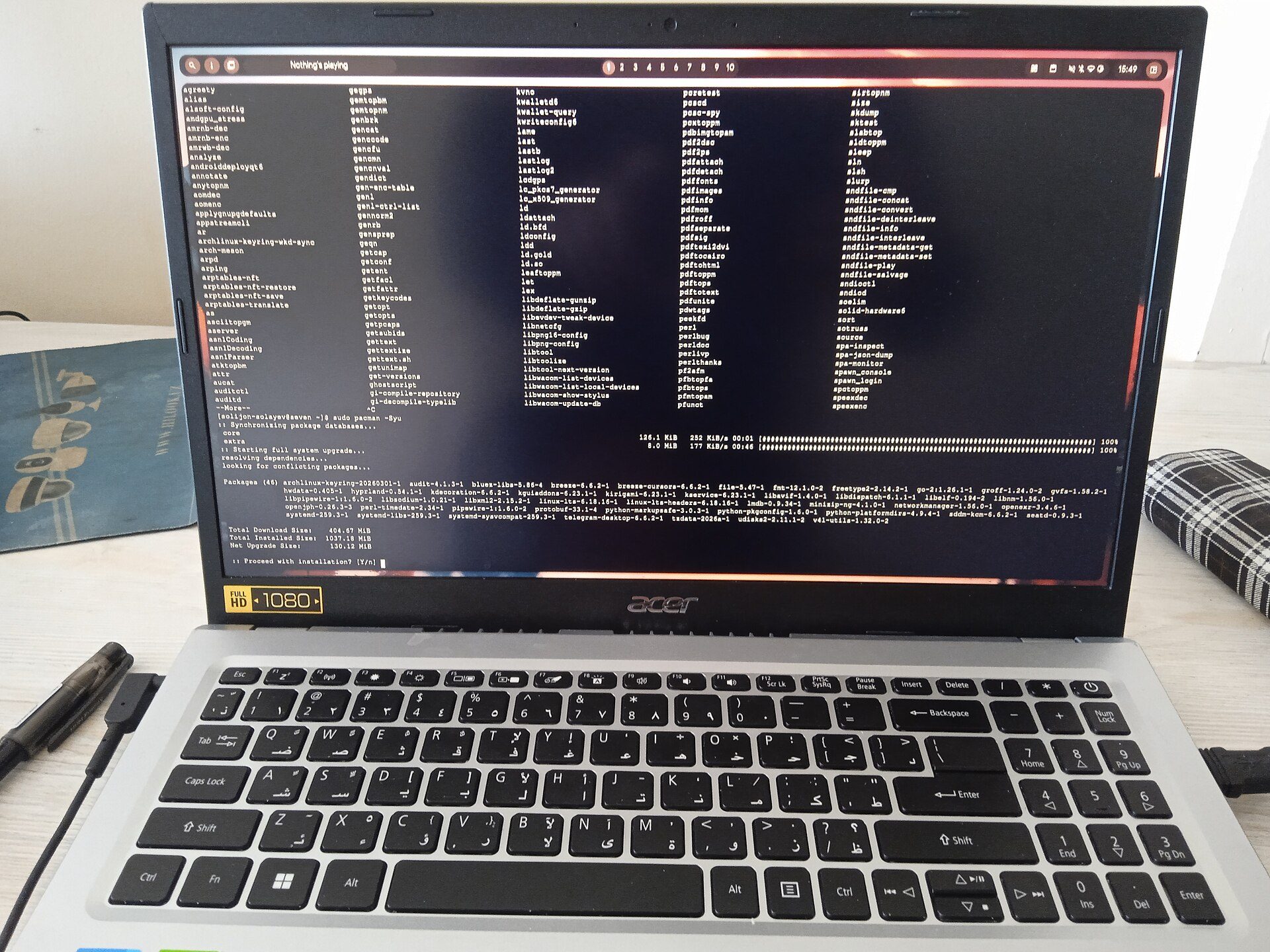
Photo: Solijon Solayev / Wikimedia Commons, CC BY-SA 4.0
Everyday commands
| Task | Command | Note |
|---|---|---|
| Where am I, list a folder | pwd, ls -la, cd | -la also shows hidden files such as .env |
| Create, copy, rename, delete | mkdir, cp, mv, rm | rm has no recycle bin |
| View file contents | cat, less, head, tail | tail -f follows a log as it is written |
| Find text in files, find files | grep, find | grep -i "error" app.log |
| Processes, ports, resources | ps, top, df -h, free -h | is the app running, is the disk full |
| Call an API | curl | curl -i http://localhost:3000/health |
| File permissions | chmod, chown | avoid chmod 777 |
SSH and file permissions at beginner level
SSH is the secure way to log in to a remote server: ssh user@server-address. Use SSH keys instead of passwords and keep your private key only on your own machine. The rwx permissions show who may read, write or execute a file. Permissions, systemd and disks are covered in depth in Linux basics for DevOps; at this step you only need to be able to SSH in, read permissions and not hand them out carelessly.
What a real server looks like
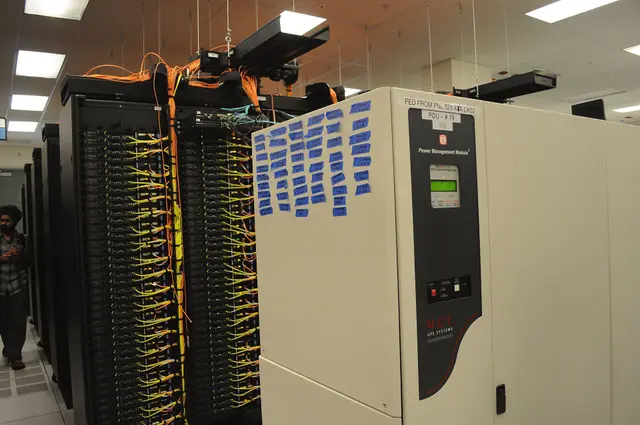
Backend applications usually run on servers in a data centre (Figure 2) or on cloud machines rented by the hour. You never stand next to the machine; everything happens over the network, so one mistyped command on a production server can affect thousands of users. Practise on a virtual machine or a cheap VPS of your own first.

Photo: Christopher Bowns / Wikimedia Commons, CC BY-SA 2.0
Git: branches, commits and pull requests
Git keeps a history of every change to the code and lets several people work at once without overwriting each other. GitHub, GitLab and Bitbucket host Git repositories online and are where code review happens.
A good commit is small and clearly named
Each commit should do one thing and have a message that says what, for example "fix: check duplicate email with an indexed query". A "misc fixes" commit bundling 20 unrelated files makes reviewers miserable and is hard to roll back. Use git status and git diff to look over your changes before every commit.
The feature-branch flow
- Update the main branch:
git switch mainthengit pull. - Create a branch for your task:
git switch -c fix/register-slow. - Change the code, run it,
git addthe right files,git commit -m "...". - Push:
git push -u origin fix/register-slow, then open a pull request (PR) into main. - Describe the PR: what changed, why, how you tested it; address review comments before merging.
Pull requests and code review
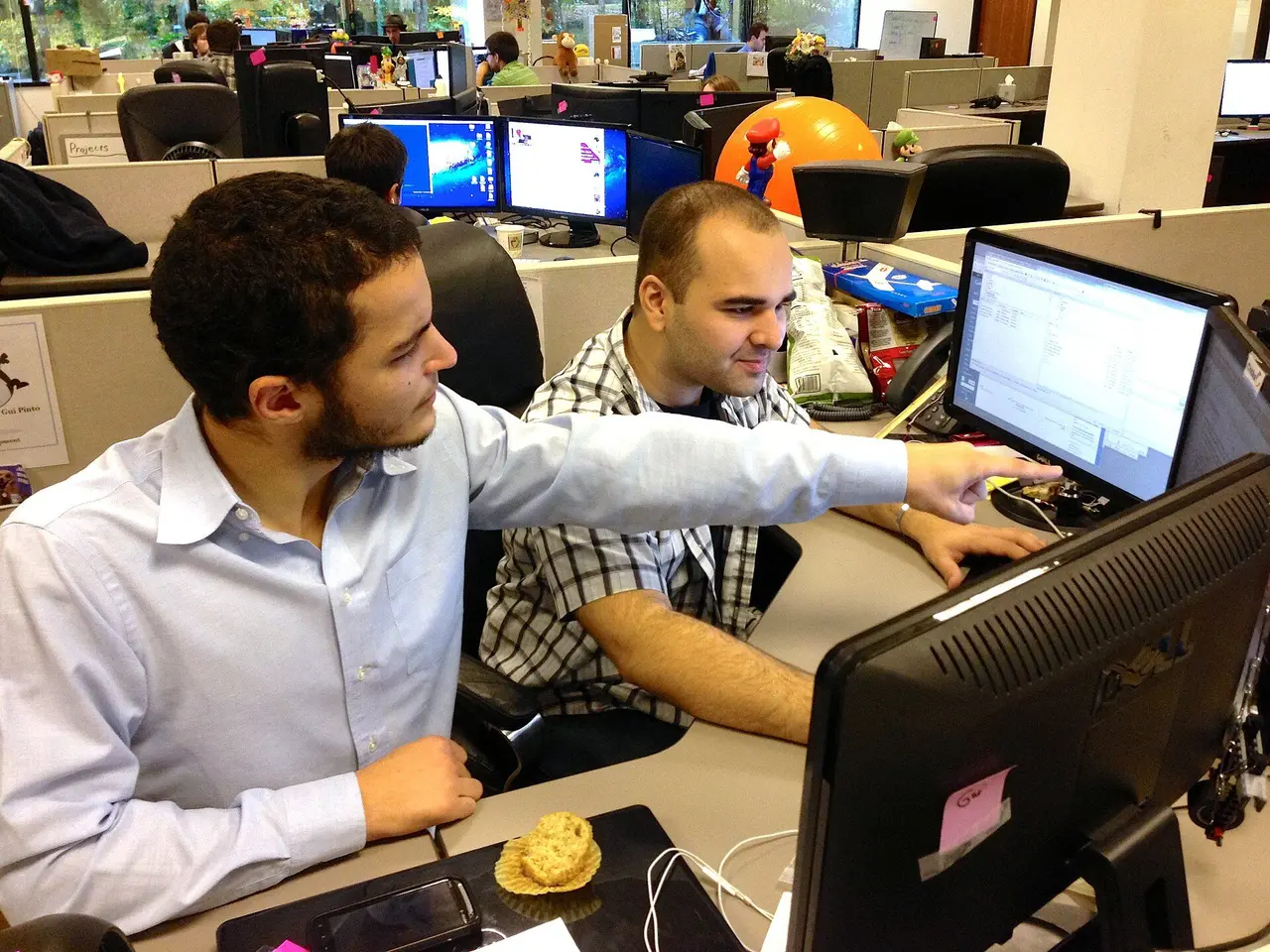
A PR is where colleagues read your code before it goes into the main branch. Review is not about criticism: the reviewer finds bugs you missed, and you learn how experienced people write. In many teams juniors are mentored as in Figure 3, two people looking at one screen and pointing at each line.
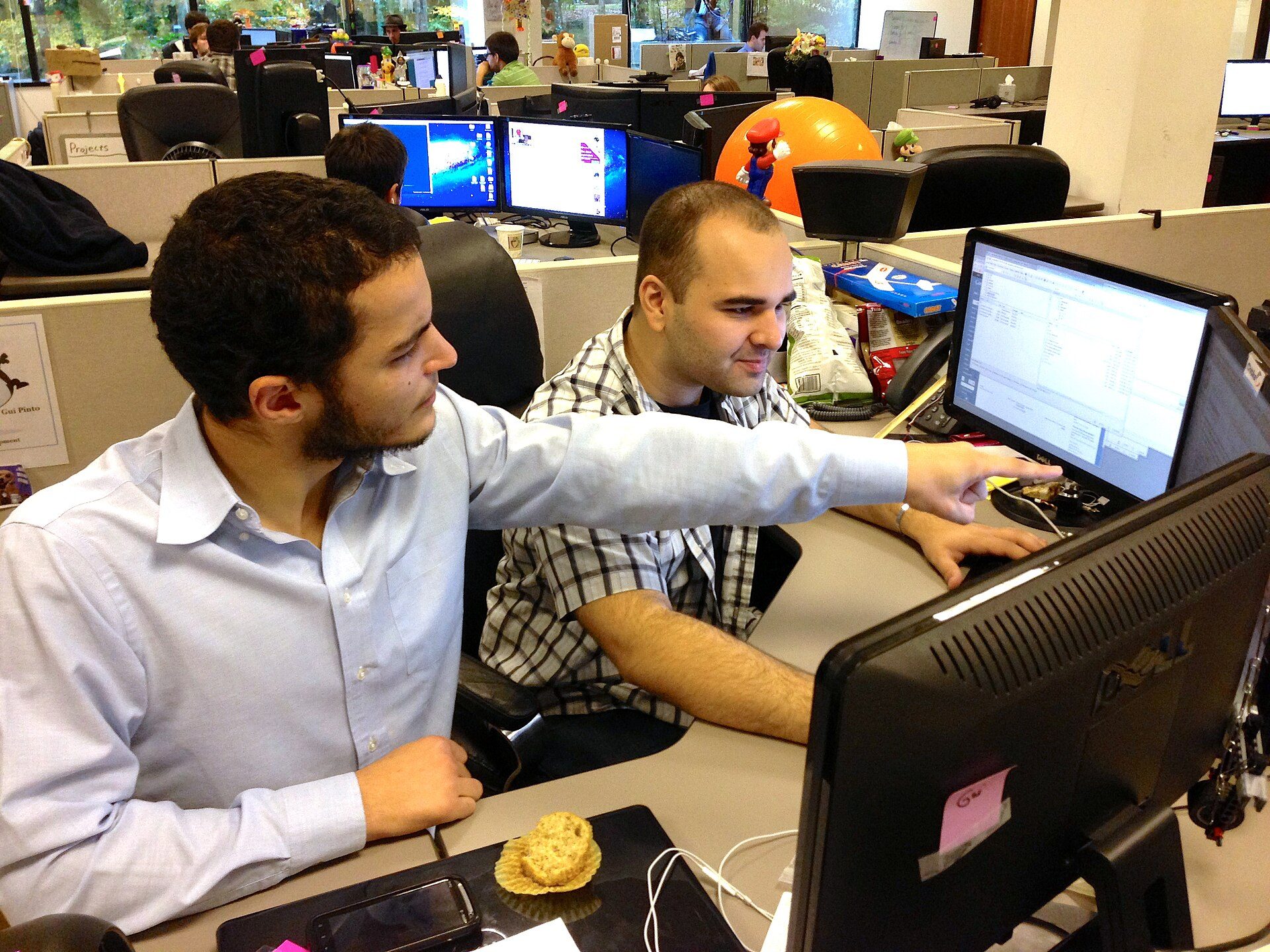
Photo: Kabren / Wikimedia Commons, CC BY-SA 3.0
Security note: Never commit passwords, API keys,.envfiles or private SSH keys to Git; add them to.gitignorefrom day one. If one has already been pushed, deleting the commit is not enough: rotate that key immediately. Do not runrm -rfor edit configuration on a production server unless you are sure what the command does. Do not paste logs containing customers' personal data (phone numbers, addresses, tokens) into AI tools or public chat groups.
Reading logs, stack traces and English documentation
Much of a backend developer's time goes into finding out why something does not work. Good developers do not guess; they read the evidence: logs, error messages, documentation.
Where to start reading a stack trace
A stack trace is the list of functions being called when the error happened. Read the error message first (the error type and text), then find the first line that points into your own code, skipping lines inside libraries. That line is usually where to look. A common error such as "Cannot read properties of undefined" means you are reading a property of a variable that has no value.
Log levels and reading logs with purpose
Logs usually have DEBUG, INFO, WARN and ERROR levels. When hunting a bug, filter by the time the customer reported, by order number or request id, then read the surrounding lines. grep "request_id=abc123" app.log is far faster than scrolling through thousands of lines.
English documentation and AI tools
The official documentation of languages, frameworks and databases is almost always in English and always more up to date than translations. You do not need fluent conversation, only to understand technical terms in writing; read one page of documentation a day and note five new words. AI tools explain errors quickly, but their answers can be for the wrong version or invent functions that do not exist, so always check against the official docs and run the code.
Worked example: a first ticket, a slow sign-up API
Lan is a new junior at a small e-commerce company. Her first ticket: "The sign-up API takes over 2 seconds at peak times". The users table has 200,000 records. The figures below are assumed for this example.
Step 1: find evidence in the logs
Lan SSHes into the staging server and runs grep "POST /api/register" app.log | tail -n 20. The log lines show a processing time of about 2,400 ms, while other APIs are under 100 ms. At peak there are about 30 sign-ups a minute.
Step 2: read the code and estimate Big-O
The duplicate-email check loads all 200,000 users' emails into memory and loops through them: O(n). Each sign-up costs 200,000 comparisons, plus pulling 200,000 rows from the database. At peak: 30 × 200,000 = 6,000,000 comparisons a minute, not counting data transfer.
Step 3: fix, measure again, open a pull request
- Replace it with a query for that one email, with a unique index on the email column: about log₂(200,000) ≈ 18 steps, returning at most one row.
- Measure again on staging: about 40 ms per sign-up, 2,400 / 40 = 60 times faster.
- Create branch
fix/register-slowwith 2 commits: one adds the index, one changes the check; open a PR stating the before and after measurements. - The reviewer asks for a test with an upper-case email; Lan adds one commit, and the PR is approved and merged.
The ticket used all four foundations from this lesson: reading logs, Big-O, Linux and Git. Designing the sign-up API and its status codes comes in the REST API step; for a preview see What is a REST API.
A 10-week plan for the foundation step
This plan is for people studying evenings and weekends, 10 hours a week. If you already learned programming at school you can shorten the first phase.
| Weeks | Content | Hours | Output at the end of the phase |
|---|---|---|---|
| 1-3 | Programming basics in your chosen language | 30 | 10 small working programs |
| 4-5 | Data structures, Big-O, easy practice problems | 20 | 15 solutions with complexity notes |
| 6-7 | Linux, command line, SSH into a VM or VPS | 20 | Install and run a sample app on Linux yourself |
| 8-9 | Git, GitHub, pull requests | 20 | A GitHub repo with a clean commit history and 3 self-reviewed PRs |
| 10 | Reading logs and docs, a small combined project | 10 | A small command-line tool that reads a log file and counts errors |
| Total | 100 | ||
Check: 30 + 20 + 20 + 20 + 10 = 100 hours, exactly 10 weeks × 10 hours. The cost can be close to zero with a computer you already own and free documentation; a small VPS to practise SSH costs about 100,000-250,000 VND (~US$4-10) a month (2026 reference, varies by provider).
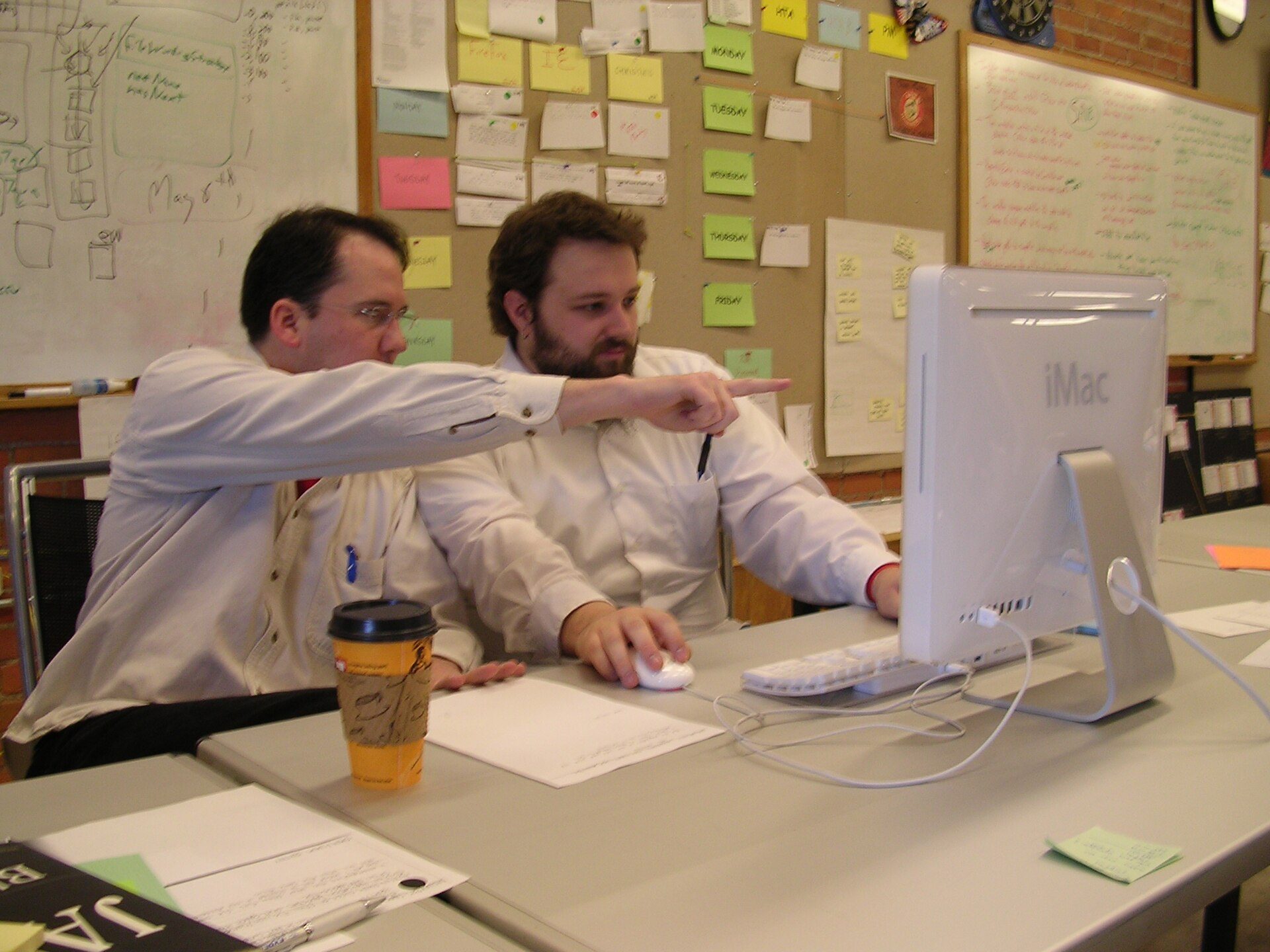
Photo: Lisamarie Babik / Wikimedia Commons, CC BY 2.0
Common mistakes when starting backend
Jumping straight into a framework
Sign: you can build an API by following a video, but any error slightly different from the video leaves you stuck. Cause: weak language and debugging basics. Fix: spend 2-3 weeks writing plain programs and reading your own errors before moving to a framework.
Fear of the command line
Sign: you only use graphical tools and ask others whenever a server is involved. Cause: not enough practice. Fix: each day, do one task in the terminal instead of with the mouse, such as creating a project folder, running the app or reading logs.
One giant commit on main
Sign: the Git history has a few "update" commits touching dozens of files. Cause: treating Git as a save button. Fix: work on your own branch, commit small pieces of work, and open PRs even when studying alone to build the habit.
Asking before reading the error
Sign: you screenshot every error and post it to the group. Cause: no habit of reading stack traces. Fix: read the message, find your line of code, search the docs for 15 minutes; if you still cannot solve it, ask and include what you have tried.
Frequently asked questions
Where should I start learning backend if I know nothing?
Start with programming basics in one language, and get comfortable with the command line and Git from the first week. Learn basic data structures and Big-O once you can write small programs.
Do I need to be good at maths and algorithms for backend?
You do not need to be good at maths. You need to understand basic data structures, estimate Big-O and solve easy to medium problems; logic matters more than formulas.
Do I have to use Linux on my own computer?
No. Windows can use WSL and macOS has a terminal close to Linux. What matters is being comfortable at the command line and able to SSH into a Linux server.
What is the difference between Git and GitHub?
Git is the version control tool that runs on your machine. GitHub is a service that hosts Git repositories online and adds pull requests, reviews and task tracking. You use Git every day and push code to GitHub or your company's GitLab.
Can I learn backend with weak English?
Yes, if you are willing to read. Start with the terms in error messages and documentation, use a dictionary and read a little every day. After a few months, technical reading becomes much easier.
Practice tasks and self-assessment
- Write a function that finds duplicates in a list in two ways: two nested loops and a set. Run it on 10,000 and 100,000 items and record the times.
- On Linux or WSL, create a project folder and a fake log file, and use grep to count the ERROR lines.
- Create a GitHub repo, build 3 small features on 3 branches, and open and merge one described PR per branch.
- Read one page of your chosen language's official docs and summarise it in your own words in 5 lines.
Self-assessment criteria
- Pass: you can explain why the set version is faster and state the Big-O of both versions.
- Pass: you can create folders, read logs and find errors in the terminal without a mouse.
- Pass: your Git history has small commits with clear messages and no
.envfiles or passwords. - Not yet: you only commit on main, or ask for help before reading the stack trace.
Once your foundations are solid, move on to the next roadmap step: One main language & framework, where you choose Node.js with TypeScript, Java Spring Boot or Python FastAPI and learn a layered project structure.
Keep learning backend development: after the foundations come a language and framework, REST APIs, databases, security, caching and queues, Docker and deployment, and a complete API project. See the backend developer roadmap.