Start learning web development by understanding how a web page reaches your screen and by writing correct HTML; only then move on to CSS, JavaScript, Git and finally React. A beginner who studies steadily for 15–20 hours a week usually needs about 9–11 months to build a project strong enough for fresher (entry-level) applications. This lesson gives you a concrete learning order, the time each stage takes, the computer and tools you need, the cost of each way to study, and an honest picture of the 2026 job market in Vietnam.
By the end of this lesson, you will be able to:
- Explain in your own words what happens between typing a web address and seeing the page: the browser, the domain name, HTTP, and HTML/CSS/JS.
- Write a short piece of semantic HTML with
header,main,articleand an image withalttext, and check it in DevTools. - Plan a 9-stage study schedule for yourself where the weeks and hours add up correctly.
- Compare self-study, bootcamps and university by time, 2026 reference cost and risk.
- Recognise the mistakes that keep beginners studying for years without landing a job.
Want to learn in the right order without getting lost? The Frontend web developer roadmap on NAMBIN splits the trade into 9 steps, from semantic HTML to a deployed portfolio project and fresher interviews. See the 9-step frontend web developer roadmap.
Quick answer: where should you start?
Start with frontend — the part of a website people see and click in the browser. Frontend gives you visible results after your very first session, which keeps motivation up, and it is the most common entry point for self-taught developers. Backend work (servers, databases) is better left until you are comfortable with JavaScript.

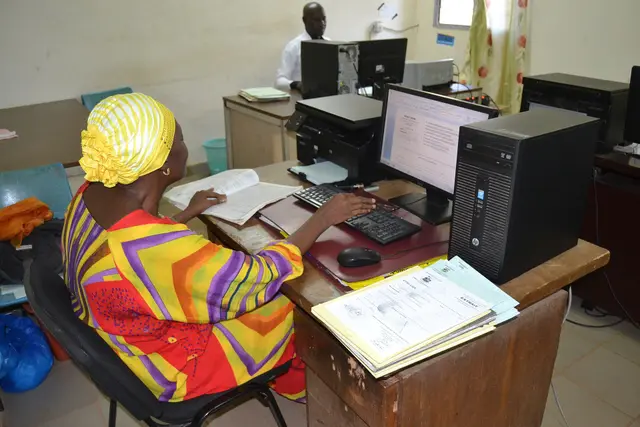
Photo: Lbronn / Wikimedia Commons, CC BY-SA 4.0
The short version of the learning order
HTML → CSS → JavaScript → Git → React with TypeScript → working with APIs → performance, SEO and testing → portfolio project → interviews. Each step builds on the one before: without HTML, CSS is trial and error; without solid JavaScript, React is a pile of confusing syntax. The detailed timetable is in the section "Learning order and time per stage".
How the web works: browser, HTTP, HTML/CSS/JS
Before you write your first line of code, picture how a web page travels to your screen. Knowing this path tells you where to look when a page does not load, instead of changing things at random.
Browser, domain name and DNS
You type an address such as nambin.com into a browser (Chrome, Firefox, Edge and so on). Computers do not understand domain names; they need an IP address — a string of numbers that works like the server's street address. The DNS system, a kind of phone book for the internet, turns the domain name into an IP address so the browser knows which machine to contact.
HTTP: request and response
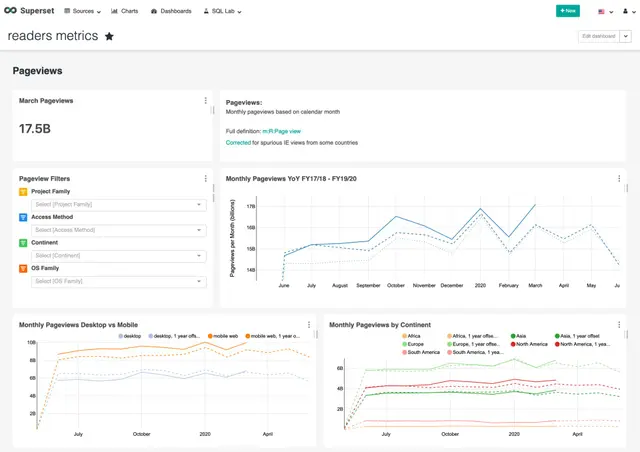
The browser sends an HTTP request to the server, roughly "please give me the home page". The server sends back a response with a status code: 200 means success, 404 means not found, 500 means the server hit an error. Almost every site now uses HTTPS — encrypted HTTP — so a password you type cannot be read along the way. Real servers live in data centres like the one in Figure 2.

Photo: BalticServers.com / Wikimedia Commons, CC BY-SA 3.0
HTML, CSS and JavaScript: three layers of a page
The first response is usually an HTML file. The browser reads it, sees that it also needs CSS, JavaScript and images, and sends more requests for them. Think of a house: HTML is the frame and the rooms (headings, paragraphs, images, buttons), CSS is the paint and furniture layout (colours, font sizes, layout), and JavaScript is the wiring and plumbing that makes buttons respond, carts update and forms show errors. Figure 3 shows real CSS on a screen.
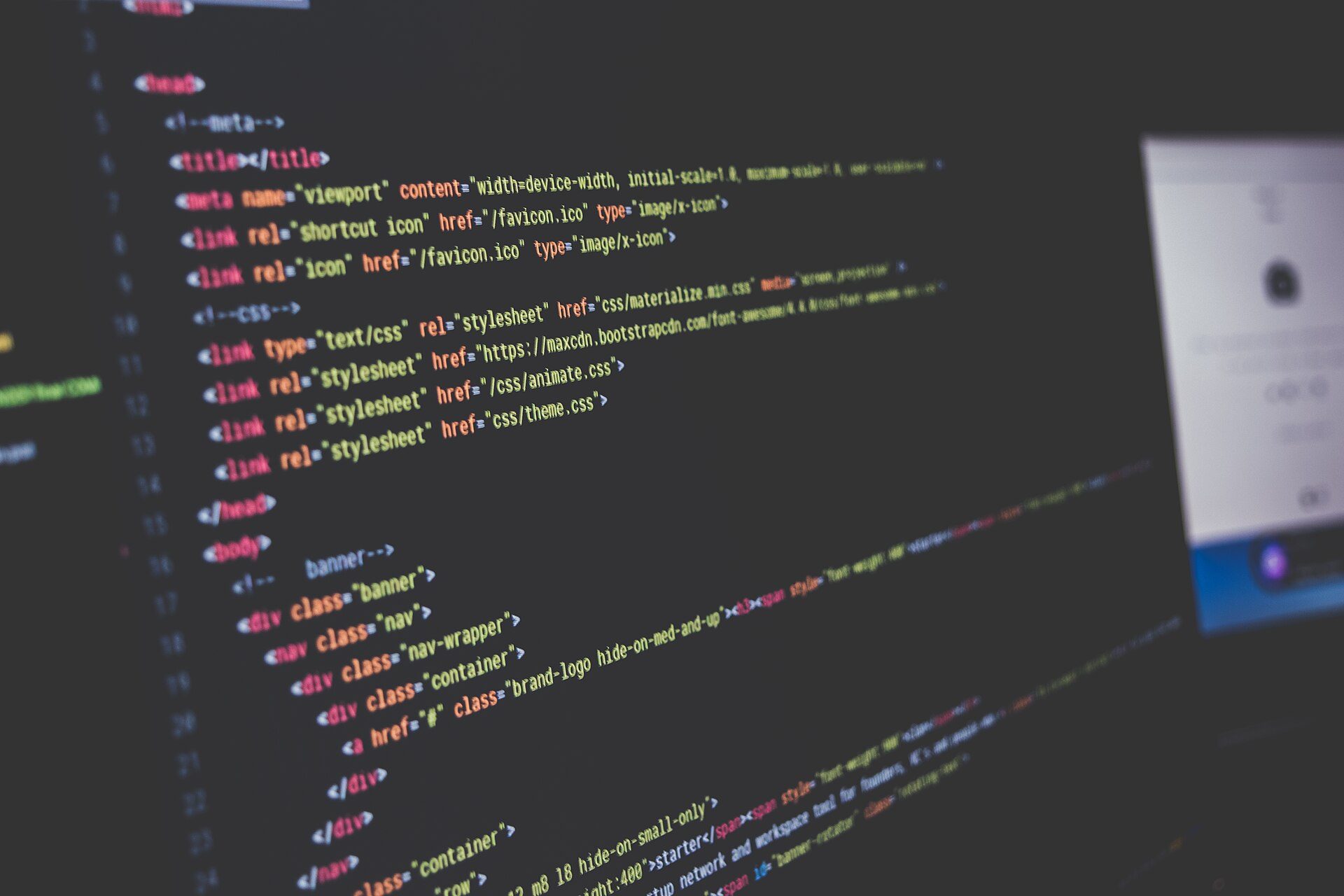
Photo: Sai Kiran Anagani _imkiran / Wikimedia Commons, CC0
See it for yourself with DevTools
Open any website in Chrome and press F12 to open DevTools, the developer tools built into the browser. The Elements tab shows the page's HTML and CSS; the Network tab lists every HTTP request with its status code and load time. Ten minutes a day of poking around here during your first week is the fastest way to "see" the web working.
Semantic HTML: get it right from your first page
Semantic HTML means using the right tag for each kind of content: headings use heading tags, menus use nav, the main content uses main. The browser will still display a page built entirely from div elements, but Google and screen readers (software that reads pages aloud for blind users) will not understand its structure.
A small HTML example
Here is the body of a page for a small bakery. Type it out yourself (do not copy and paste) into a file called index.html, then open it in a browser:
<header>
  <h1>Mai's Bakery</h1>
  <nav>
    <a href="#menu">Menu</a>
    <a href="#contact">Contact</a>
  </nav>
</header>
<main>
  <article id="menu">
    <h2>Baguette sticks</h2>
    <img src="baguette-sticks.jpg" alt="Five crispy baguette sticks on a baking tray">
    <p>5,000 VND each, baked fresh every morning.</p>
  </article>
</main>
<footer id="contact">
  <p>Phone: <a href="tel:0900000000">0900 000 000</a></p>
</footer>
What each tag does
header: the top of the page, holding the shop name and menu;navtells screen readers this is the navigation bar.main: the main content, only one per page;articleis a self-contained block of content (one product, one blog post).h1,h2: headings by level; a page normally has a singleh1, and levels should not be skipped at random.- The image's
alt: a description of the image, shown when the image fails to load and read aloud to blind users. Writing "image 1" is useless. footer: the bottom of the page; atel:link lets customers on a phone tap to call.
How to check that you got it right
Open DevTools, go to the Lighthouse tab and run the Accessibility audit: a score under 90 usually comes from missing alt text, input fields without labels, or skipped heading levels. Another simple test: switch CSS off; if the page still reads in a sensible order, your HTML has a good structure.
The computer and tools you need
You do not need a powerful machine to learn frontend. Most of the time it only runs a code editor, a browser and a small local development server. A machine that is too weak will feel slow once you reach React, so plan ahead.
Minimum and recommended specs
| Component | Minimum | Recommended | Notes |
|---|---|---|---|
| RAM | 8 GB | 16 GB | Many browser tabs plus build tools use the most memory |
| Storage | 256 GB SSD | 512 GB SSD | A hard disk drive makes everything noticeably slower |
| CPU | Older Core i5 / Ryzen 5 | A model from the last 3–4 years | A used laptop that meets the minimum is fine for learning |
| Screen | 14-inch Full HD | Add an external monitor | Code on one side, browser on the other |
Reference prices in Vietnam for 2026: a used laptop at the minimum spec costs about 7–12 million VND (roughly 280–480 USD, taking 1 million VND as about 40 USD), and a new machine at the recommended spec about 15–25 million VND, depending on the seller. A simple study corner like the one in Figure 4 is all you need.

Photo: www.Pixel.la Free Stock Photos / Wikimedia Commons, CC0
Three free tools to use from day one
- VS Code: the most popular free code editor. Add an extension that formats code automatically and one that reloads the page each time you save.
- A browser with DevTools: Chrome or Firefox. You will use DevTools almost as much as the editor.
- Git and a GitHub account: Git records the history of every change to your code; GitHub stores that code online — and later becomes the portfolio employers look at.
AI coding tools: use them to your advantage
AI coding assistants can explain errors and suggest sample code. For the first three months, use them as a tutor rather than as someone who does the work: type the code yourself and, when stuck, ask "why does this line fail?". People who paste AI code they do not understand fail the technical interview, where you must explain every line you wrote.
Learning order and time per stage
The table follows the 9 steps of the roadmap and assumes 15–20 hours of study a week (for example 2 hours every weekday evening plus 5–10 hours at the weekend). The weeks are averages; people with some background go faster, busy people go slower.
| Stage | What you learn | Weeks | Done when you can |
|---|---|---|---|
| 1. How the web works & HTML | Browser, HTTP, DNS, semantic tags, forms | 3 | Build an about-me page scoring 90+ on Lighthouse Accessibility |
| 2. CSS, Flexbox, Grid, responsive | Box model, layout, mobile-first | 5 | Rebuild a sample page that looks good on phone and desktop |
| 3. JavaScript & the DOM | Variables, functions, arrays, events, fetch, async/await | 8 | Build a to-do app that saves data in the browser |
| 4. Git & GitHub | Commits, branches, pull requests | 2 | Have every exercise on GitHub with clear commits |
| 5. React, TypeScript, Next.js | Components, state, hooks, routing | 8 | Rebuild the stage-3 app in React |
| 6. APIs, forms, state | REST, JSON, loading and error states | 4 | Build a search page that pulls real data from a public API |
| 7. Performance, SEO, accessibility, tests | Lighthouse, meta tags, writing tests | 3 | Score 90+ in all 4 Lighthouse categories on your project |
| 8. Portfolio project | A small shop website, deployed for real | 6 | Have a live link and a clear README |
| 9. Interviews & applications | CV, technical questions, take-home tests | 3 | Send at least 20 applications and practise 30 questions |
| Total | 42 weeks | About 630–840 hours |
Adding up: 3 + 5 + 8 + 2 + 8 + 4 + 3 + 6 + 3 = 42 weeks, or roughly 9.5–10 months. At 15 hours a week that is 42 × 15 = 630 hours; at 20 hours a week, 42 × 20 = 840 hours.
Why do JavaScript and React take the longest?
These two stages take 16 of the 42 weeks because they are where the real programming happens: logical thinking, handling data, hunting bugs. HTML and CSS show results immediately; in JavaScript a single misplaced comma can turn the whole page blank. Do not cut stage 3 short to jump into React early — that is the most common reason beginners drown in React.
Worked example: Minh, 24, studying evenings for 42 weeks
Minh works as a warehouse clerk in Binh Duong on day shifts and wants to move into frontend. He has 15 hours a week: 2 hours every evening Monday to Friday (10 hours) plus 5 hours on Sunday morning. The figures below are illustrative, with 2026 reference prices.
Time plan
- Total time: 42 weeks × 15 hours = 630 hours.
- Weeks 1–39 (early January to the end of September): stages 1–8, from HTML to the portfolio project, 3 + 5 + 8 + 2 + 8 + 4 + 3 + 6 = 39 weeks.
- Weeks 40–42 (early October): stage 9 — writing a CV, practising interview questions, sending applications. 39 + 3 = 42 weeks.
Cost plan
- A used laptop with 16 GB RAM and a 512 GB SSD: 11 million VND.
- One online course with graded exercises: 2 million VND.
- A domain name for the portfolio, first year: 0.3 million VND; hosting on a free plan.
- Total: 11 + 2 + 0.3 = 13.3 million VND (about 530 USD), of which 11 million is a machine he keeps using once employed.
Outcome and lesson
Minh spends another 2 months applying, sends about 40 applications, gets 5 interviews and accepts one paid internship. What helped him was not a certificate but a working shop website plus 10 months of steady commit history on GitHub. Had Minh only managed 10 hours a week, the same 630 hours would take 63 weeks — about 14.5 months; still fine, as long as he does not quit halfway.
Self-study, bootcamp or university: how to choose
All three paths lead into the trade; they differ in money, time and how much self-discipline you already have. The table gives 2026 reference ranges in Vietnam, which vary by school, centre and region.
| Option | Duration | Reference cost, 2026 | Best for | Main risk |
|---|---|---|---|---|
| Online self-study | 9–15 months | 0–5 million VND (excluding the computer) | Self-disciplined people who already have a job | Easy to quit, nobody reviews your code |
| Bootcamp or training centre | 4–9 months | 15–60 million VND | People who need a class, a mentor and deadlines | Uneven quality, "job guarantee" promises |
| IT university or college | 2.5–4 years | About 15–80 million VND per year, public vs private | Young people who want broad foundations and a degree | Long; you still need real projects of your own |
Bootcamps: check carefully before paying
Ask how many practice hours include a mentor reviewing your work, what projects past students built (ask for real GitHub links), and how the "job guarantee" is written into the contract and refunded. Be wary of anyone promising a high salary after 3 months or asking you to take a consumer loan to pay the fee.
University: broad foundations, but no automatic job
University teaches data structures, networking and databases — very useful in the long run. Many employers still prefer IT graduates, yet students with no personal projects also struggle to get hired. If you are at university, follow this roadmap alongside your degree from the second year.
The 2026 fresher market and reference salaries
To be blunt: competition for fresher frontend jobs is high in 2026. Many people are learning, while AI coding assistants let experienced developers work faster, so simple tasks such as turning a static design into HTML no longer need as many people as before. Opportunities still exist at software companies, outsourcing firms, startups, banks and e-commerce companies in Hanoi, Ho Chi Minh City and Da Nang, but employers pick people who can do real work.
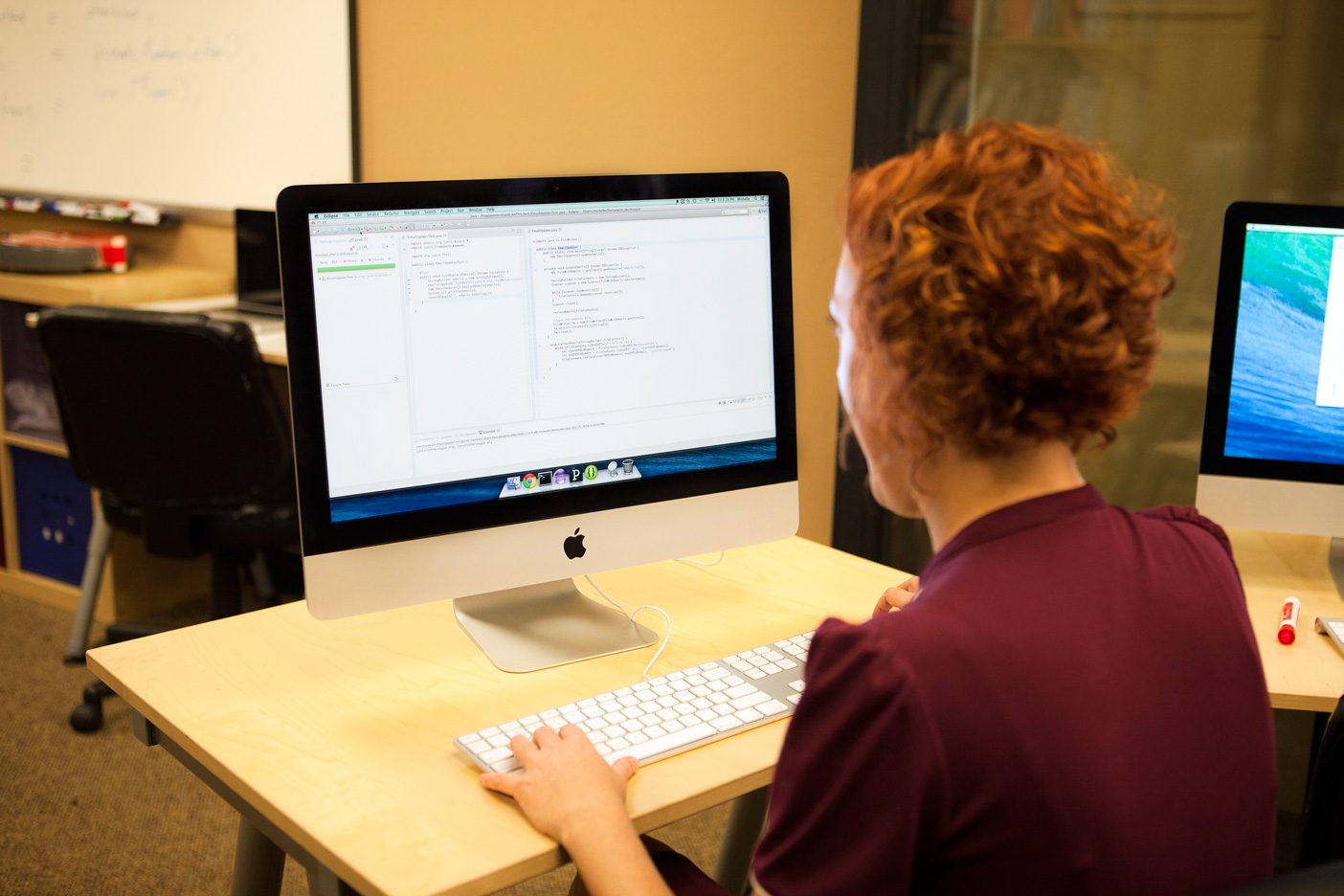
Photo: Joonspoon / Wikimedia Commons, CC BY-SA 4.0
Reference salary by level
| Level | Typical experience | Reference salary, 2026 (million VND/month) |
|---|---|---|
| Intern | Studying or just finished | 3–6 (some are unpaid) |
| Fresher | 0–1 year | 8–12 |
| Junior | 1–2 years | 15–25 |
| Mid-level | 2–4 years | 25–35 |
These are 2026 reference ranges in Vietnam that depend on region, company size and English level; they are not a promise. Freelance websites for small shops pay very irregularly and are best kept as a side job once your skills are solid.
How to stand out when AI writes code too
Employers want people who understand code (including code suggested by AI), can find bugs, write proper HTML, build interfaces that work well on phones and explain their choices. One real project with real users, however small, outweighs ten projects copied from videos.
Before you quit your job to study: do not leave your main job without at least 6 months of living costs saved — the gap between finishing your studies and getting hired can be 2–6 months. Long hours at a computer cause back pain and eye strain: stand up and move every 45–60 minutes, and set the screen at eye level. Never pay for a "guaranteed high-salary job" course that asks you to sign a loan or transfer money in a hurry.
Common beginner mistakes
Jumping straight into React
Symptom: you can follow along with videos but have no idea where to start on your own. Cause: skipping core JavaScript. Fix: go back to stage 3 and build 3 small apps in plain JavaScript first.
Using div for everything
Symptom: the page looks fine but scores low on accessibility, and Google misreads the content. Cause: never learning semantic HTML. Fix: rewrite the page with header, nav, main, article and footer as in the example above.
Watching videos without typing code
Symptom: you finished 50 hours of courses but stare at an empty VS Code window. Cause: mistaking understanding for being able to do. Fix: spend about 30% of your time watching and reading and 70% building; after each lesson, redo it without looking.
Not putting code on GitHub
Symptom: nothing to show at an interview. Cause: thinking code must be pretty before it goes public. Fix: commit on every study day; employers value consistency more than perfect code.
Frequently asked questions
How long does it take to learn web development and get a job?
At 15–20 hours a week, about 9–11 months to reach a portfolio project, plus 2–6 months of applying. Studying full time at 40 hours a week can shorten this to about 5–6 months.
Can I do frontend without an IT degree?
Yes. Many career changers succeed thanks to real projects and a steady GitHub history. Some large companies still filter CVs by degree, though, so your portfolio needs to be stronger to make up for it.
AI already writes good code. Is web development still worth learning?
Yes, if you are willing to learn it properly. AI speeds up the repetitive parts, but someone still has to understand requirements, review code, fix bugs and take responsibility for the product. People who only copy code will struggle to compete.
Should I learn frontend or backend first?
Beginners should start with frontend because results are visible immediately and motivation lasts longer. Once you are solid in JavaScript, you can learn backend in the same language (Node.js) and become a full-stack developer.
Exercise: your first web page and your plan
- Open DevTools on 3 websites you use often and note the HTTP status codes and number of requests in the Network tab.
- Type out the bakery HTML above, add 2 more products, open it in a browser and run the Lighthouse Accessibility audit.
- Install VS Code and Git, create a GitHub account and push your
index.htmlto a new repository. - Build your own 9-stage plan using the real number of hours you have each week, and total the weeks and hours as in Minh's example.
Self-assessment criteria
- Pass: the bakery page uses
header,nav,main,articleandfootercorrectly; every image has descriptivealttext; Lighthouse Accessibility is 90 or above. - Pass: you can explain the path domain name → DNS → HTTP request → HTML/CSS/JS in your own words.
- Pass: your plan lists the weeks for each stage, and the total weeks and total hours add up.
- Not yet: the page is all
div, images lackalt, your code only lives on your laptop, or your plan starts with React.
Once your first HTML page has a proper structure, the next step of the roadmap is CSS, Flexbox, Grid & responsive design — turning that frame into an interface that looks good on both phones and desktops. See the 9-step frontend web developer roadmap to follow each step.