Network cabling & internet technician
An 8-step path to becoming a network and internet installer: pole and power-line safety, FTTH fibre, splicing and loss testing, ONT modems, mesh Wi-Fi, structured cabling for offices, racks and network troubleshooting. You can then work for ISPs or their contractors, or wire small offices. Suits technical people who like being on the move.
Start here
Step 1: Pole, power-line & laser safety
One short lesson per step, 10–15 minutes on a phone. No sign-up needed.
Hands-on roadmap
Roadmap
- Step 1Lesson
Pole, power-line & laser safety
Keep clear of medium and low voltage lines, use insulated ladders and a harness on poles; never look into a live fibre end; collect fibre offcuts safely.
No English content for this step yet.
- Step 2Lesson
Networking basics: IP, routers, switches, Wi-Fi
IP addressing, DHCP, NAT and basic VLANs; roles of ONT, router, switch and access point; 2.4 and 5 GHz bands, Wi-Fi 6, and why Wi-Fi is slow despite a fast plan.
Requires: Pole, power-line & laser safety
No English content for this step yet.
- Step 3Skill
FTTH drop cable & ONT installation
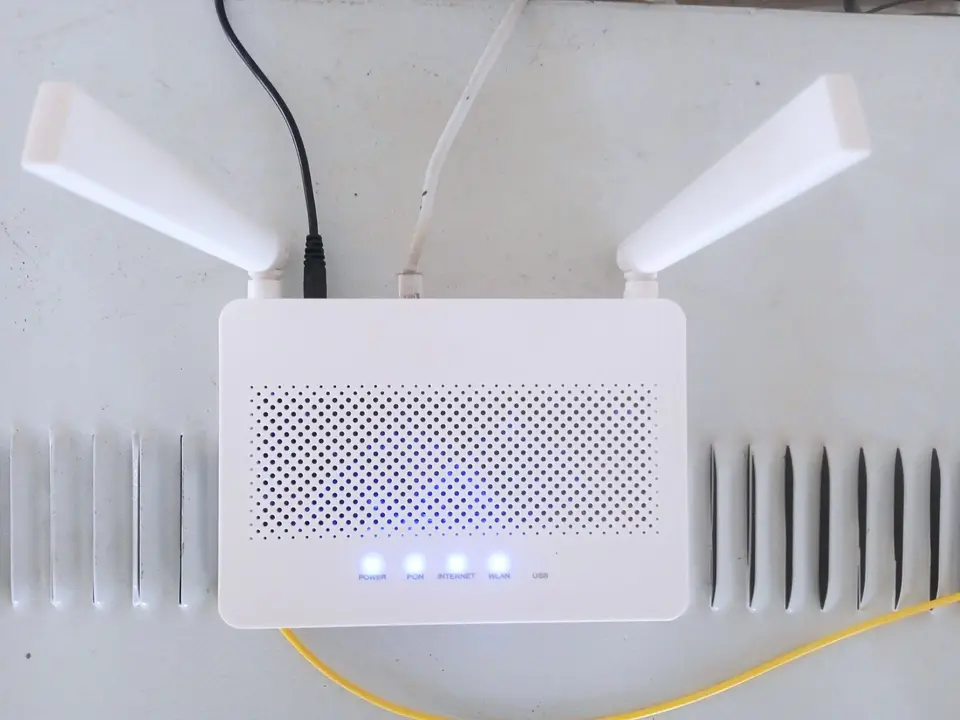
Run drop cable from the splitter box into the home, fix hooks, fit fast connectors; check optical power with an OPM; configure the ONT, PPPoE and customer Wi-Fi.
Requires: Networking basics: IP, routers, switches, Wi-Fi
No English content for this step yet.
- Step 4Skill
Fibre splicing & loss testing
Strip, clean and cleave fibre precisely, splice with a fusion splicer; read OTDR traces to find breaks and tight bends; coil spare fibre neatly in splice closures.
Requires: FTTH drop cable & ONT installation
No English content for this step yet.
- Step 5Skill
Office cabling & rack installation
Plan outlet positions, run Cat6 in trays, punch down keystones and patch panels, label everything; mount switch, router and UPS neatly in a rack and test each port.
Requires: Networking basics: IP, routers, switches, Wi-Fi
No English content for this step yet.
- Step 6Skill
Mesh Wi-Fi, site surveys & troubleshooting
Survey signal with a Wi-Fi analyser app, place mesh nodes or access points; set up an isolated guest network; fix outages, IP conflicts, channel interference and cut cables by elimination.
Requires: Fibre splicing & loss testing, Office cabling & rack installation
- Step 7Project
Network fit-out for a 20-person office
Survey, draw the layout, estimate materials; install 24 Cat6 points, a rack, three access points and a guest network; test, label and hand over diagrams and passwords.
Requires: Mesh Wi-Fi, site surveys & troubleshooting
No English content for this step yet.
- Step 8Assessment
Skills test, quoting & applying to ISPs
Timed fibre splicing and cable termination, basic networking quiz; quote installation per network point; prepare applications to ISPs or their installation contractors.
Requires: Network fit-out for a 20-person office
No English content for this step yet.